94
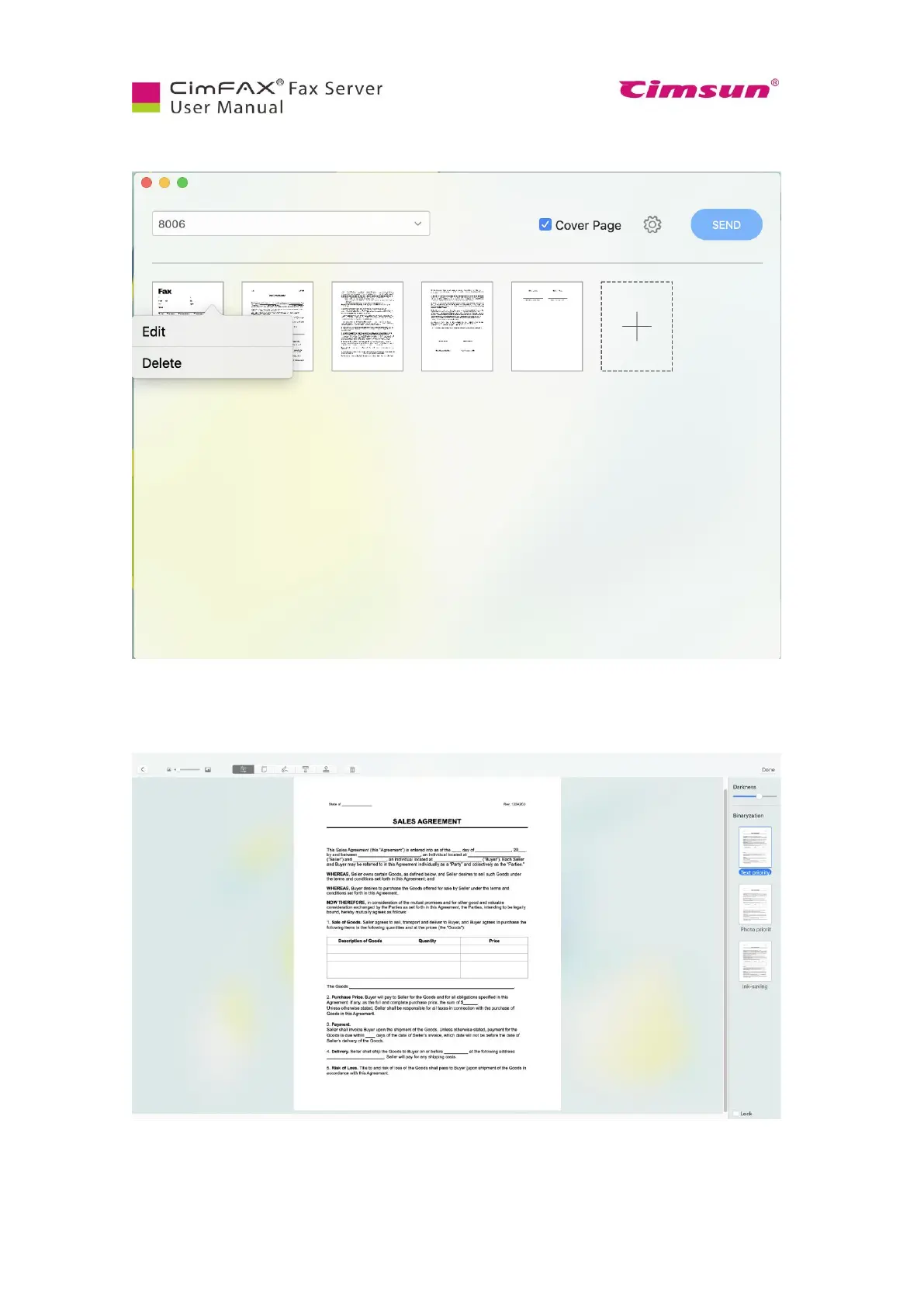
Now you can double click to preview the fax. Click the “…” icon on the upper right corner of the fax
page, then you can edit or delete this page.
Click “Edit”. You can preview the fax now and choose pages in the right pane. You can also drag to
adjust darkness of the text on the upper right corner and check on “Lock” on the lower right corner to
set darkness for all faxes.



 To Next Page