95
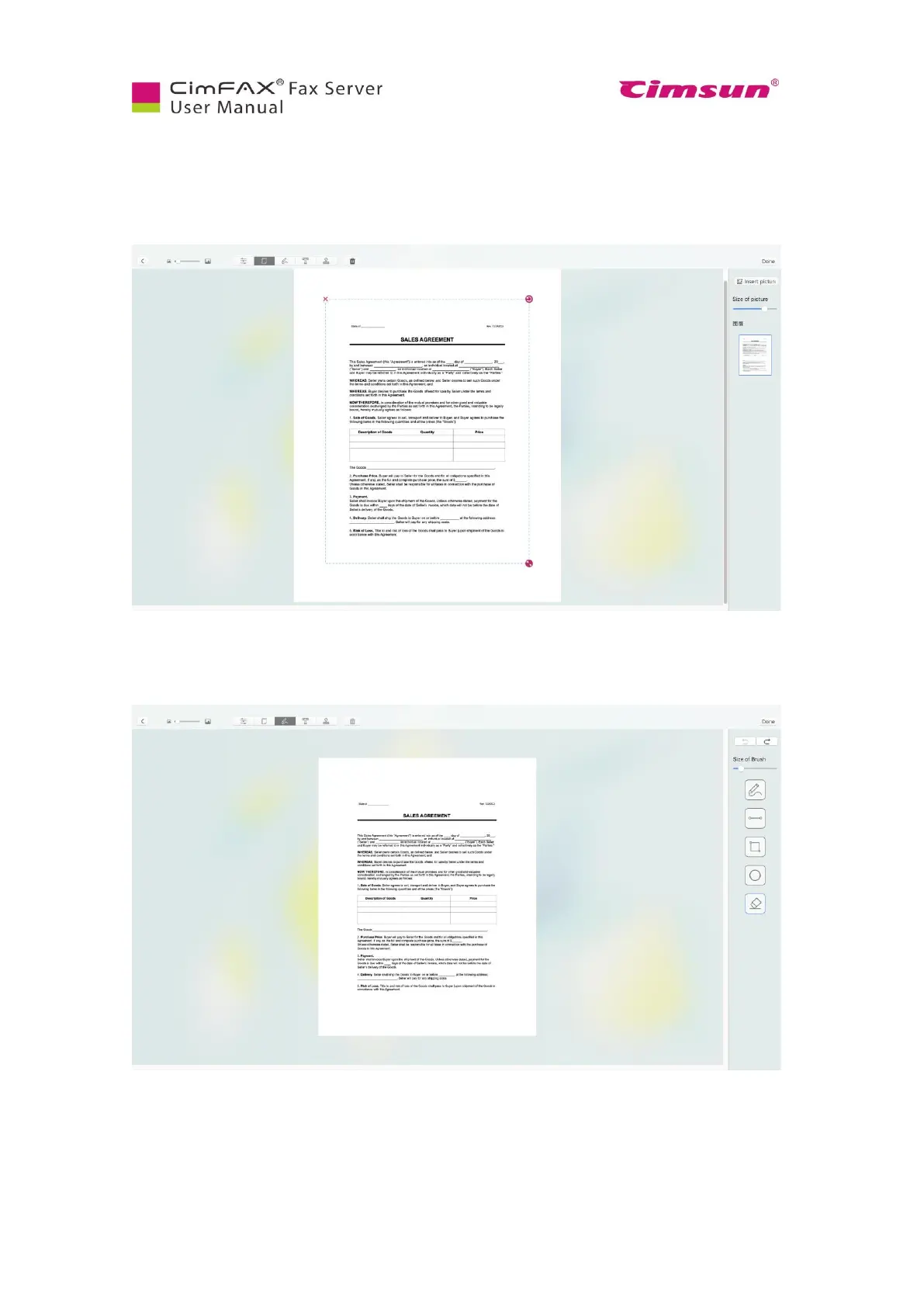
Click page icon to rotate the page or zoom it in or out. Click zoom icon on the lower right corner of the
fax. Then drag to zoom in or out. Click counter clockwise icon on the upper right corner of the fax to
rotate it if necessary.
Click pen icon to add signature. Click pen icon on the left pane to sign, straight line icon to add a line,
frame icon to add a frame/box, round icon to add a circle and erase icon to erase if necessary.



 To Next Page