19
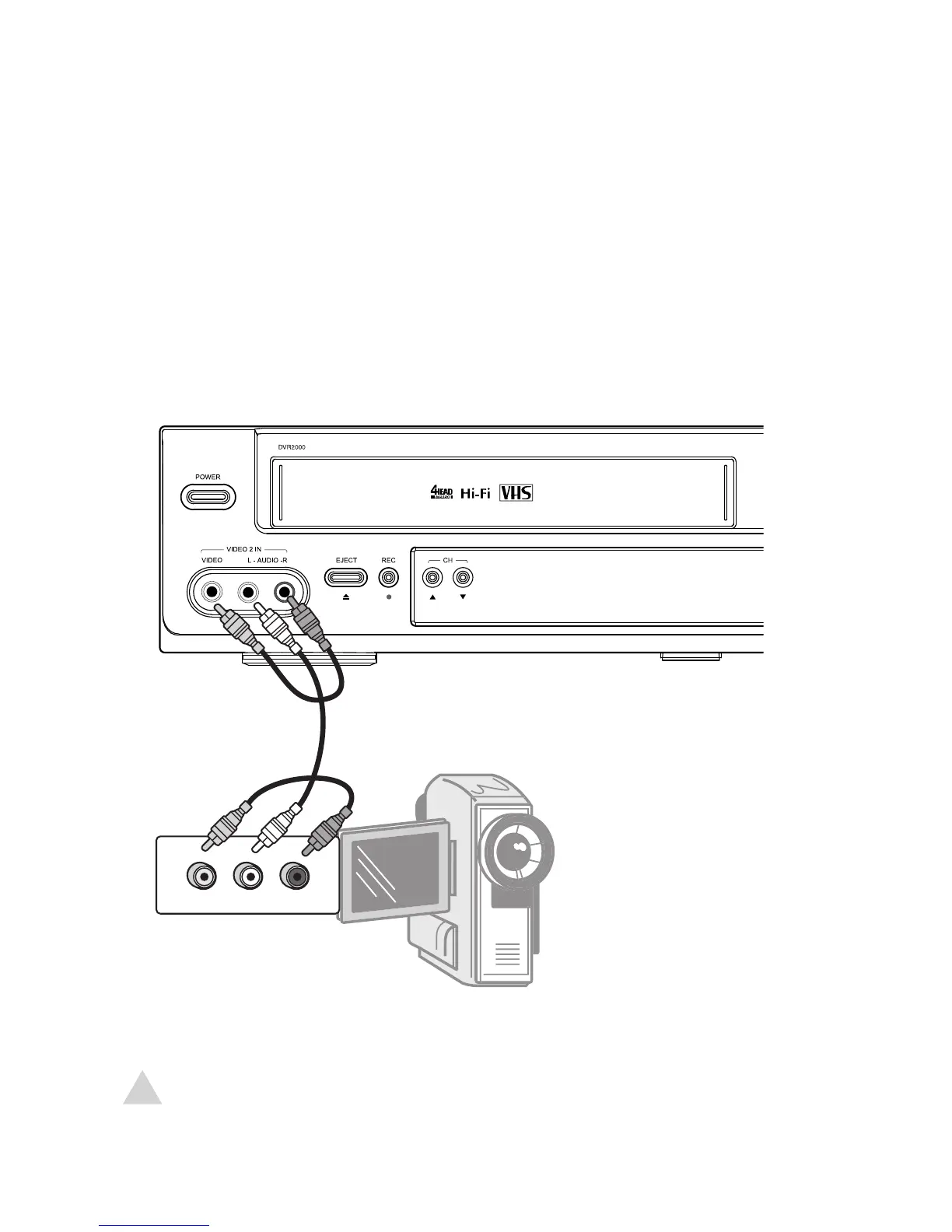
Front AV Connections
You can view and record from an external device, such as a camcorder or video game,
connected to the front panel AV inputs.
1 Connect standard audio/video cables from the outputs of the external device to
the inputs of the DVD+VCR as shown.
2 Press TV VIEW until Video 2 appears on the screen.
2 - Connections
NOTE:
• To record from the external device, see page 38.



 To Next Page