36 DVD+VCR User’s Guide
JPEG CD Playback
To play JPEG files on CD-R/RW:
1 Load the CD-R/RW in the disc tray.
• The following screen appears:
2 Press PLAYto start the slideshow.
3 Press PREV/ NEXT to browse the
pictures.
4 Press STOP to stop the slideshow.
Other Disc Playback
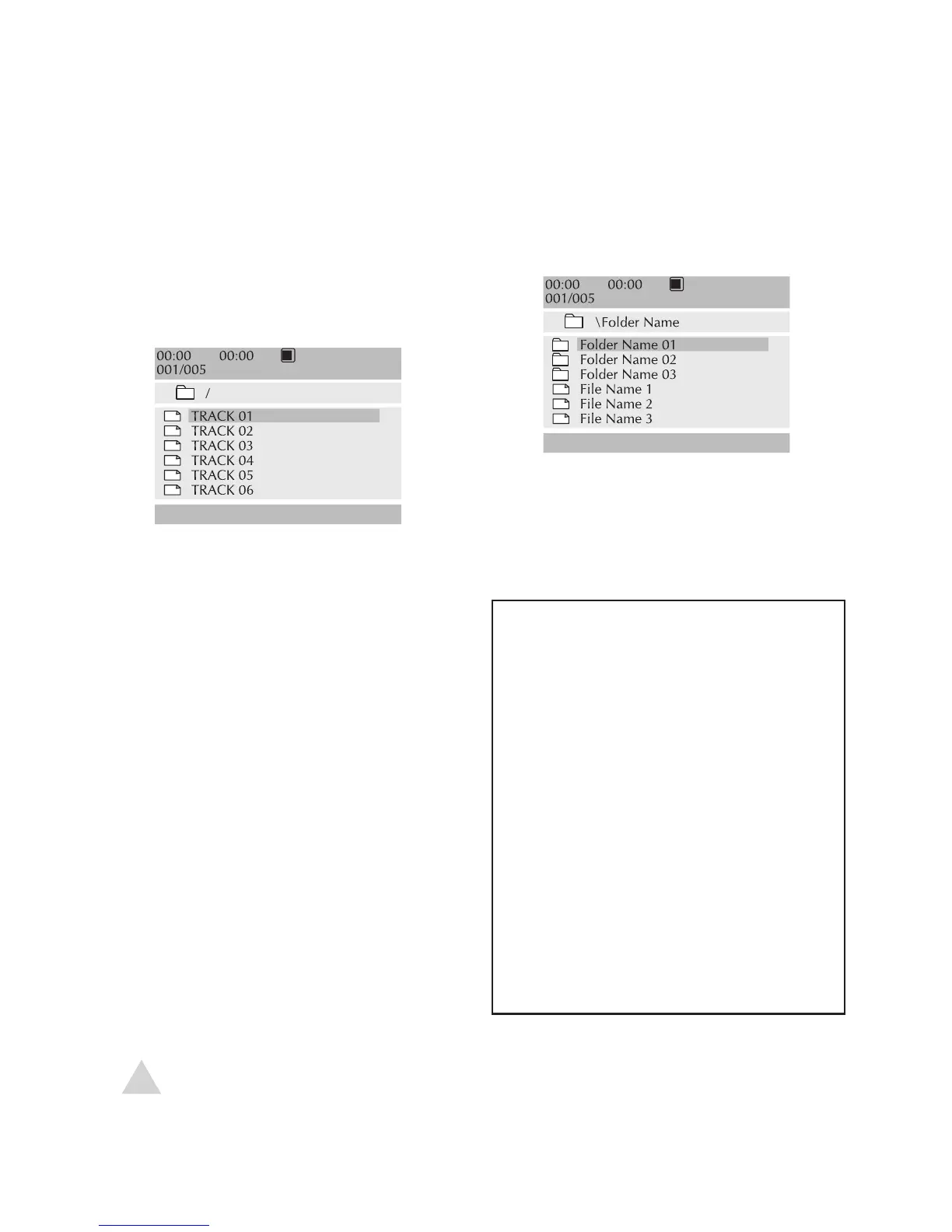
Audio CD/MP3 CD Playback
To play an Audio CD or MP3 files on
CD-R/RW:
1 Load the Audio CD or CD-R/RW in the
disc tray.
• Audio CDs begin playback auto
-
matically.
2 Press PREV/ NEXT to browse the
tracks.
3 Press PLAYto start and pause play-
back.
4 Press STOP to stop playback.
5 Use the or 0-9 keys to select a
specific audio track, then press ENTER.
• Playback will start from the selected
track.
NOTE:
• REPEAT and A-B REPEAT work with Audio and MP3 CDs.
MP3 File Requirements
• Bit Rates must be 64~256 kbps
• Maximum of 32 folders per disc
• Maximum of 4 levels deep
• Variable bit rate (VBR) files may
sound distorted during play
-
back
• File names should be 8 char-
acters or less, and must end in
*.MP3
• Some CD-RW discs may not
play back correctly
• CD-R discs should be written
with ISO 9660 formatting using
the ‘disc at once’ method



 To Next Page