24 DVD+VCR User’s Guide
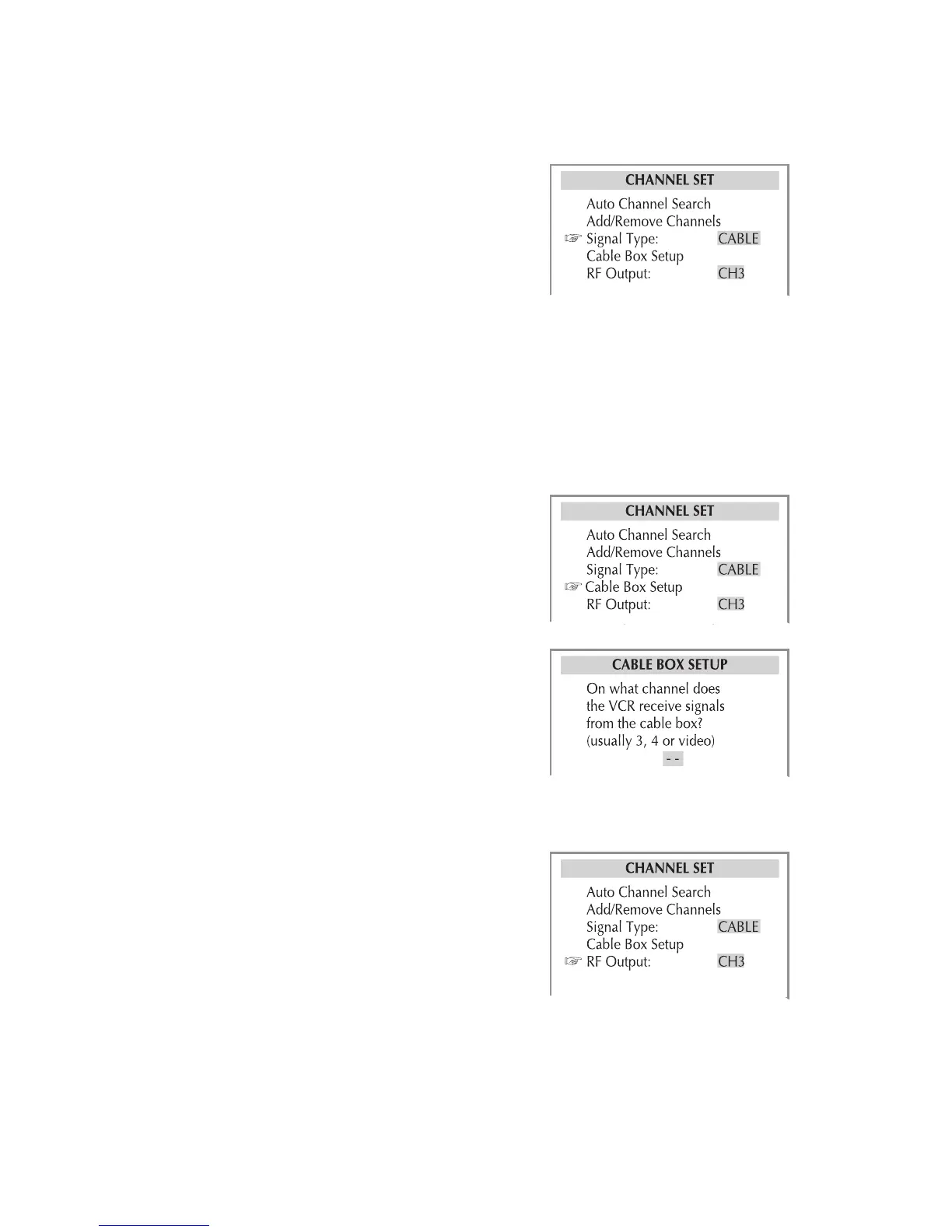
Signal Type
Specifies whether the DVD+VCR is
connected to an antenna or cable TV
source.
1 Press VCR, then press SETUP.
2 Select Channel Set > Signal Type.
3 Choose from the following:
Antenna - Select if the DVD+VCR is
connected to an antenna.
Cable - Select if the DVD+VCR is con-
nected to a cable TV source.
4 When finished, press SETUP to exit.
Cable Box Setup
Allows you to specify the channel or
input the DVD+VCR uses to view an
external cable box or satellite receiver.
1 Press VCR, then press SETUP.
2 Select Channel Set > Cable Box Setup.
3 Set the cable box channel/input:
• Use to select the cable box
output channel (usually 3 or 4).
• Use the TV VIEW button on the re-
mote to select the Video 1 (rear) or
Video 2 (front) input.
4 When finished, press SETUP to exit.
RF Output
Sets the RF Output Channel (the chan-
nel you set on your TV to view the
DVD+VCR).
1 Press VCR, then press SETUP.
2 Select Channel Set > RF Output.
3 Set the RF Output Channel to 3 or 4.
4 Set your TV to the channel you se-
lected in step 3.
5 When finished, press SETUP to exit.
Channel Settings (continued)



 To Next Page