25
Other VCR Settings
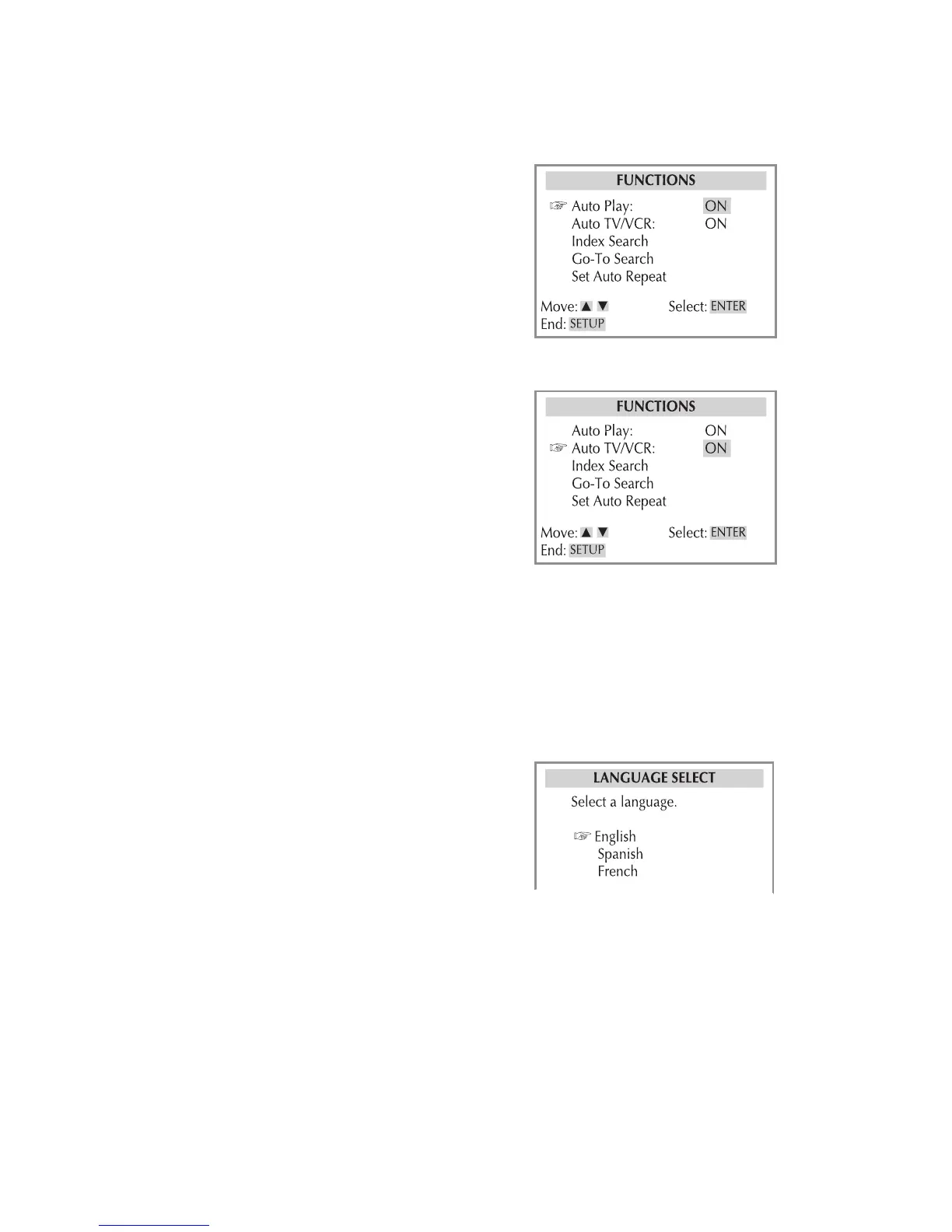
Auto Play
Starts VCR playback automatically when
you load a tape with its record safety tab
removed.
1 Press VCR, then press SETUP.
2 Select Functions > Auto Play.
3 Turn Auto Play on or off.
4 When finished, press SETUP to exit.
Auto TV/VCR
Controls whether the DVD+VCR switches
to VCR mode automatically when turned
on.
1 Press VCR, then press SETUP.
2 Select Functions > Auto TV/VCR.
3 Choose from the following:
On - Select if you want the DVD+VCR
to switch to VCR mode when it is
turned on or a tape is inserted.
Off - Select if you want the DVD+VCR
to remain in TV mode when powered
on.
4 When finished, press SETUP to exit.
Language Setting
Sets the default language for the VCR
Setup menu.
1 Press VCR, then press SETUP.
2 Select Language Select.
3 Select your preferred language (Eng-
lish, Spanish, or French).
4 When finished, press SETUP to exit.
3 - Setup



 To Next Page