22 DVD+VCR User’s Guide
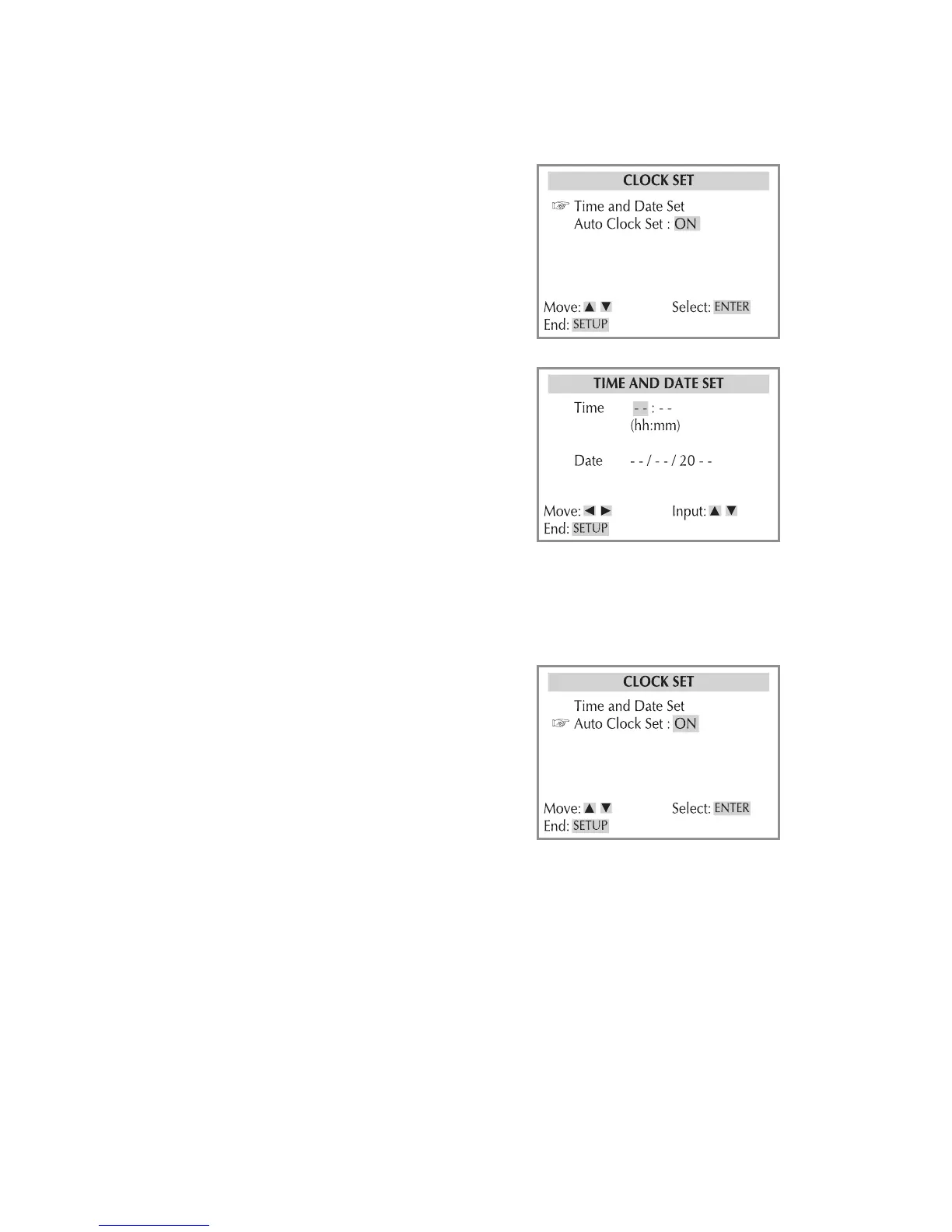
Auto Clock Set
Automatically adjusts the clock for
Daylight Saving Time. If you live in an
area that does not use Daylight Saving
Time, turn this feature off.
1 Press VCR, then press SETUP.
2 Select Clock Set > Auto Clock Set.
3 Choose from the following:
On - Adjusts the DVD+VCR’s clock au-
tomatically for Daylight Saving Time.
Off - Ignores Daylight Saving Time.
4 When finished, press SETUP to exit.
Time & Date Set
Allows you to set the date and time. This
is necessary if you wish to record TV
shows with the timer record feature.
1 Press VCR, then press SETUP.
2 Select Clock Set > Time and Date Set.
3 Set the time and date:
• Use to move the cursor.
• Use to change each setting.
4 When finished, press SETUP to exit.
Clock Settings



 To Next Page