33
Playing a Tape
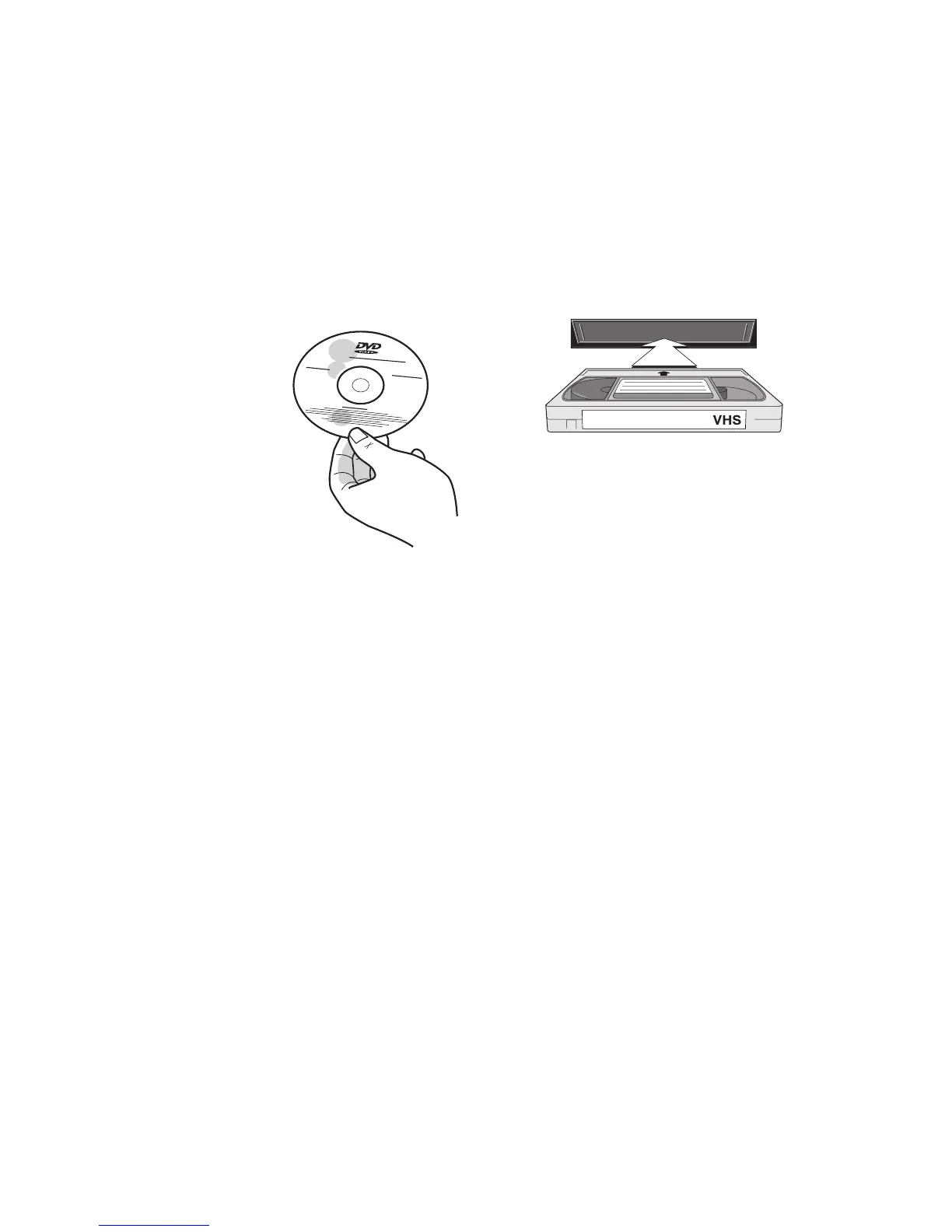
Follow these steps to play a VHS tape.
1 Press POWER to turn on the
DVD+VCR.
2 Press VCR to control the VCR deck.
3 Load your videotape in the VCR deck.
4 Press PLAY to start playback.
• Many prerecorded tapes play auto-
matically when loaded.
5 Press PLAYto pause and resume
playback.
6 Press STOP to stop playback.
• For special VCR playback options,
see page 35.
Basic DVD+VCR Playback
Playing a DVD
Follow these steps to play a DVD.
1 Press POWER to turn on the
DVD+VCR.
2 Press DVD to control the DVD deck.
3 Load your DVD in the disc tray with
the label side up.
• Press EJECT to
open and close
the disc tray.
4 Press PLAY to
start playback.
• Many DVD discs
play auto
-
matically when
loaded.
• If the DVD has
a Disc Menu, or more than one Title,
the Disc Menu may appear. If so, use
to highlight options, and
press ENTER to make selections.
5 Press PLAYto pause and resume
playback.
6 Press STOP to stop playback.
• One press stops and holds playback.
Two presses resets the disc to the
beginning.
• For special DVD playback options,
see page 34.
4 - Operations



 To Next Page