26 DVD+VCR User’s Guide
DVD Setup Menu Overview
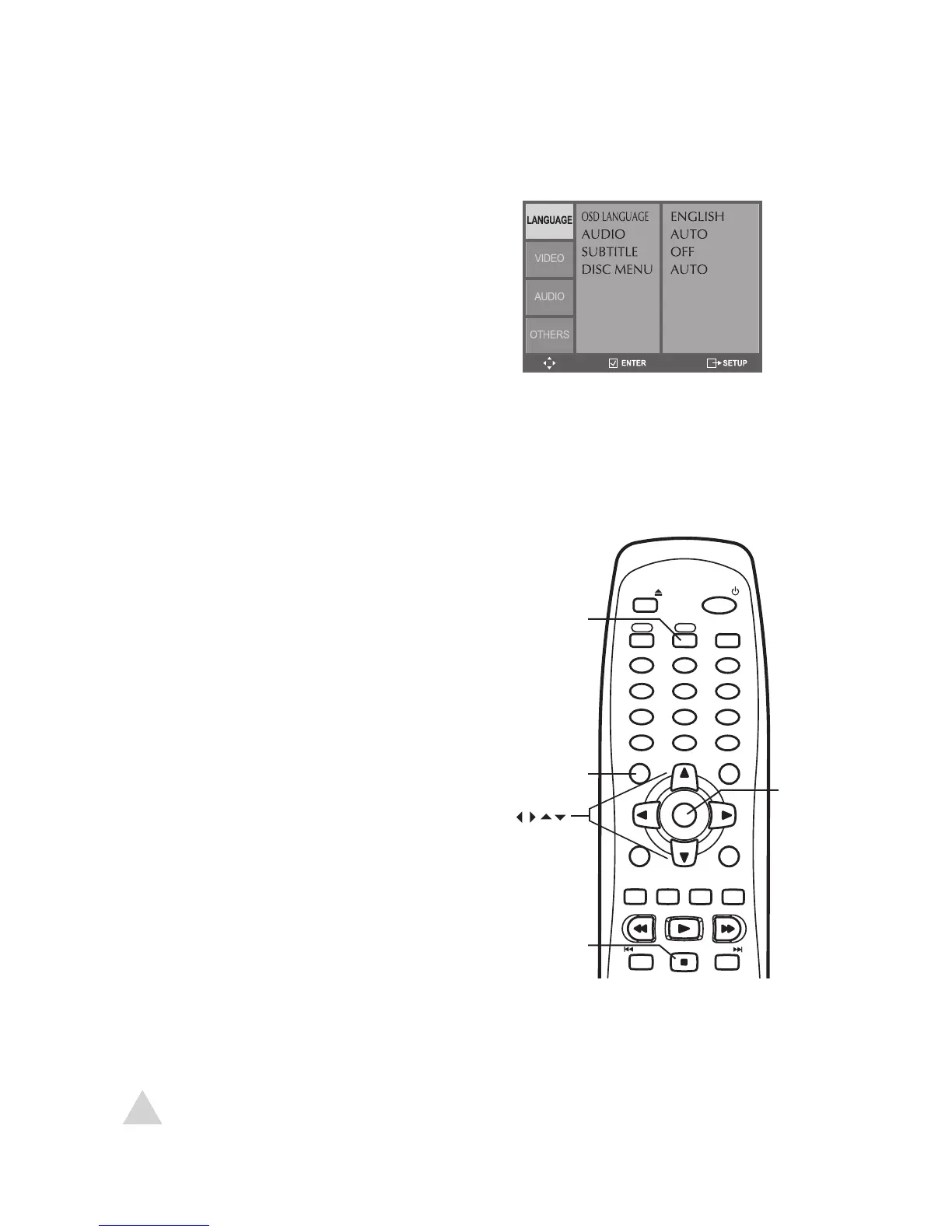
About DVD Menu Navigation
The DVD Setup menu allows you to set your preferences for the DVD deck. Choose
from these categories:
• Language Settings – see page 27
• Video Settings – see pages 28
• Audio Settings – see page 29
• Other Settings – see page 30-31
• Press DVD to switch to DVD mode.
• Press STOP to make sure DVD playback is
stopped.
• Press SETUP to display the DVD Setup menu.
• Use the keys to move up and down.
• Use the keys to move left and right.
• Press ENTER to make selections.
• Press SETUP again to exit the Setup menu.



 To Next Page