40 DVD+VCR User’s Guide
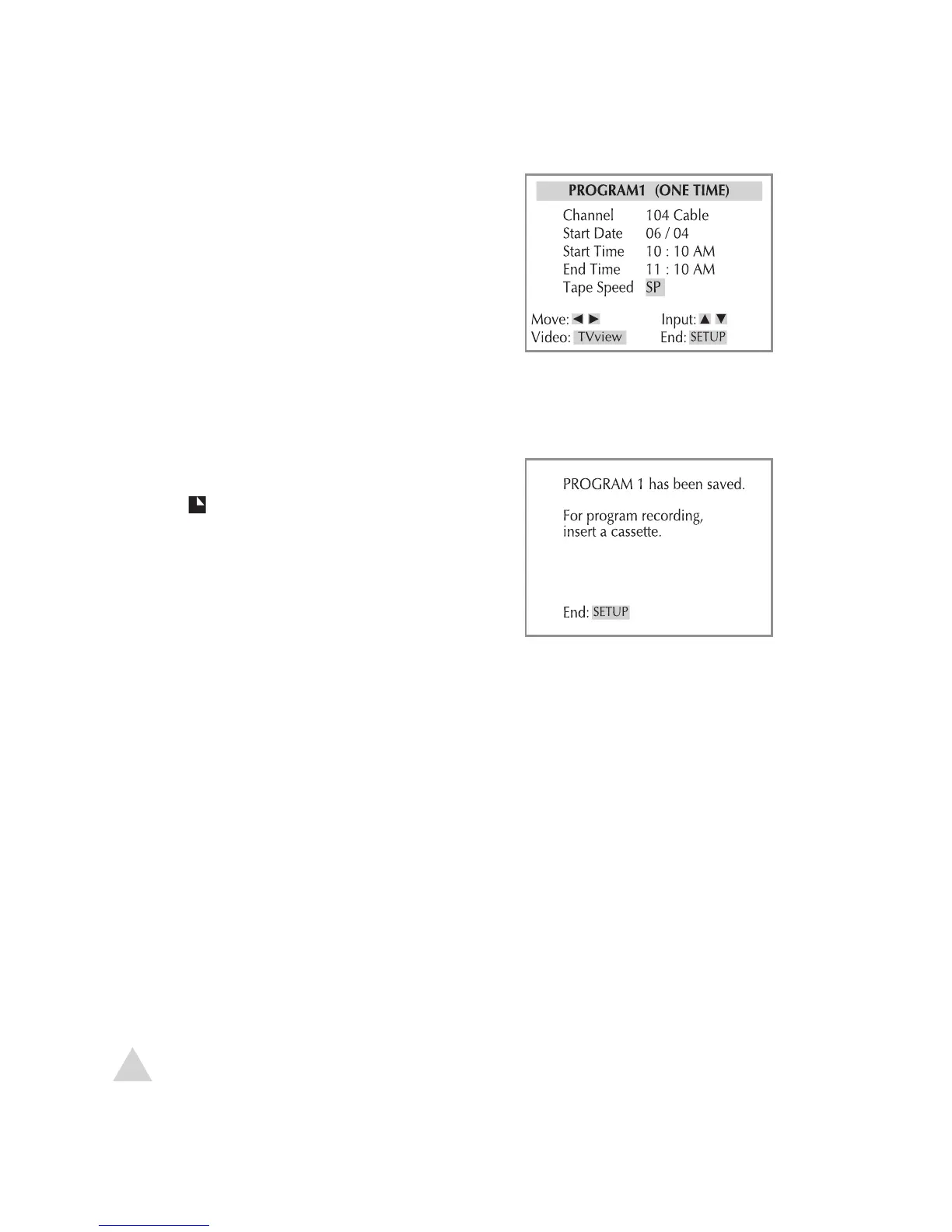
6 Use to select the source of the
program (Antenna or Cable), then
press
.
7 Use the (or 0-9) buttons to set
the date, start time, and end time,
pressing
after each.
8 Use to set the Tape Speed to SP,
SLP or AUTO, then press
.
• AUTO will start recording in SP and
automatically switch to SLP if there
is not enough room on the tape to
complete the recording.
9 When finished, press SETUP to save
the Timer Recording.
• The
indicator is displayed on the
front panel display.
10
At the scheduled time, the Timer Re-
cording will begin.
• If the DVD+VCR is not ready (e.g., a
recordable tape is not inserted, the
tape is currently playing or the unit
is powered off), an error message
will appear on screen.
Timer Recording (continued)
NOTE:
• To edit or cancel a timer recording, press SETUP then select
Timer Recordings > Review/Cancel Programs. Press ENTER to
edit, or press CLEAR to cancel the selected recording.



 To Next Page