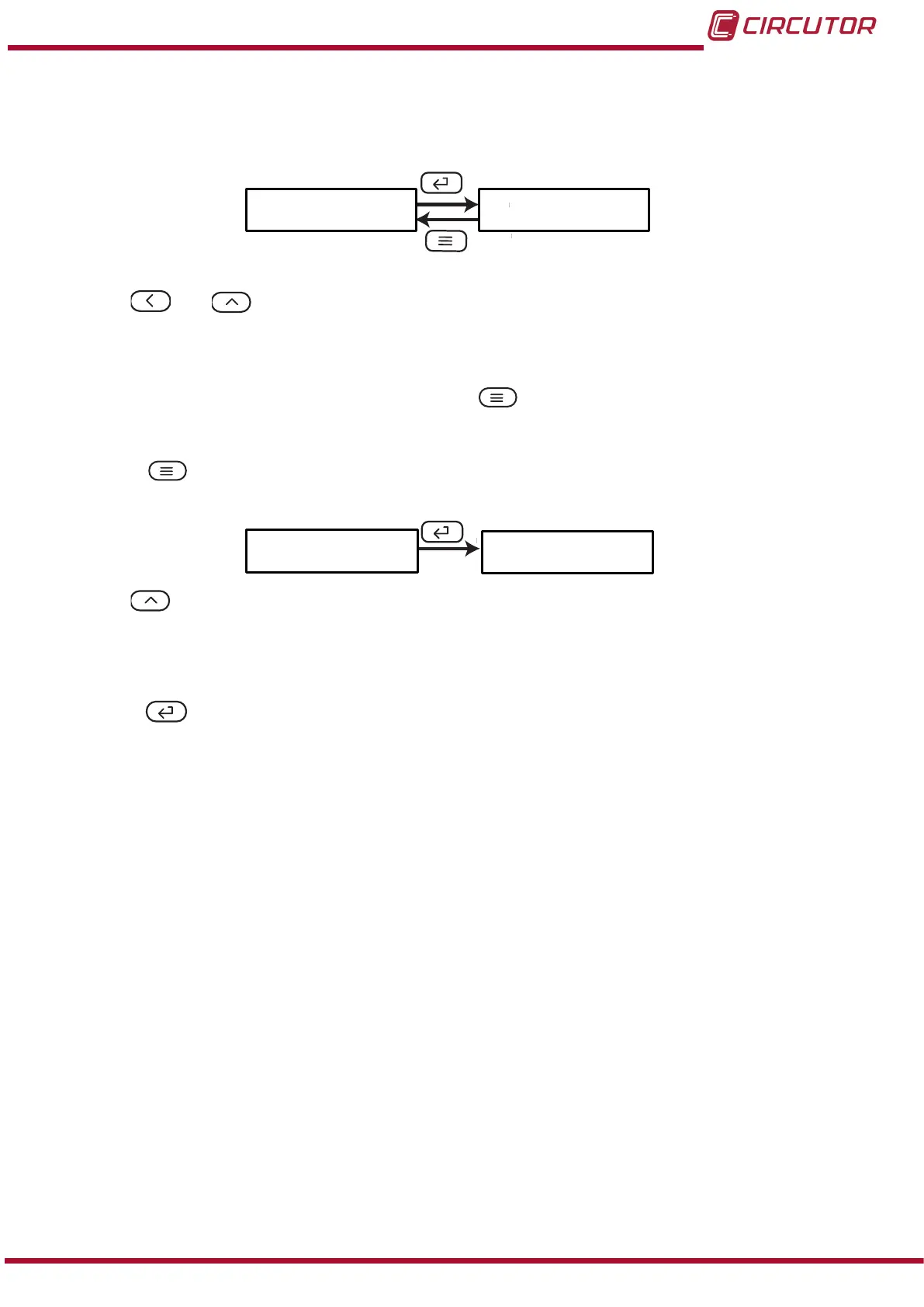
5�1�4�- UNITS OF THE SECONDARY CURRENT
Note: This parameter cannot be modied.
Unt.2
oFF
Use the and keys to browse the conguration screens of the menu.
5�1�5�- SAVE CONFIGURATION
To save the conguration of the device, press the key, until the main screen of the input
conguration menu is opened, Figure 10.
Press the key again to show the validation screen.
SAuE
no
Use the ,key to browse the different options:
no, exit the conguration without saving the changed values.
YES, save the changed conguration values.
Press the key to validate the data and exit the conguration menu.
19
Instruction Manual
DHC-96 Aac











 To Next Page