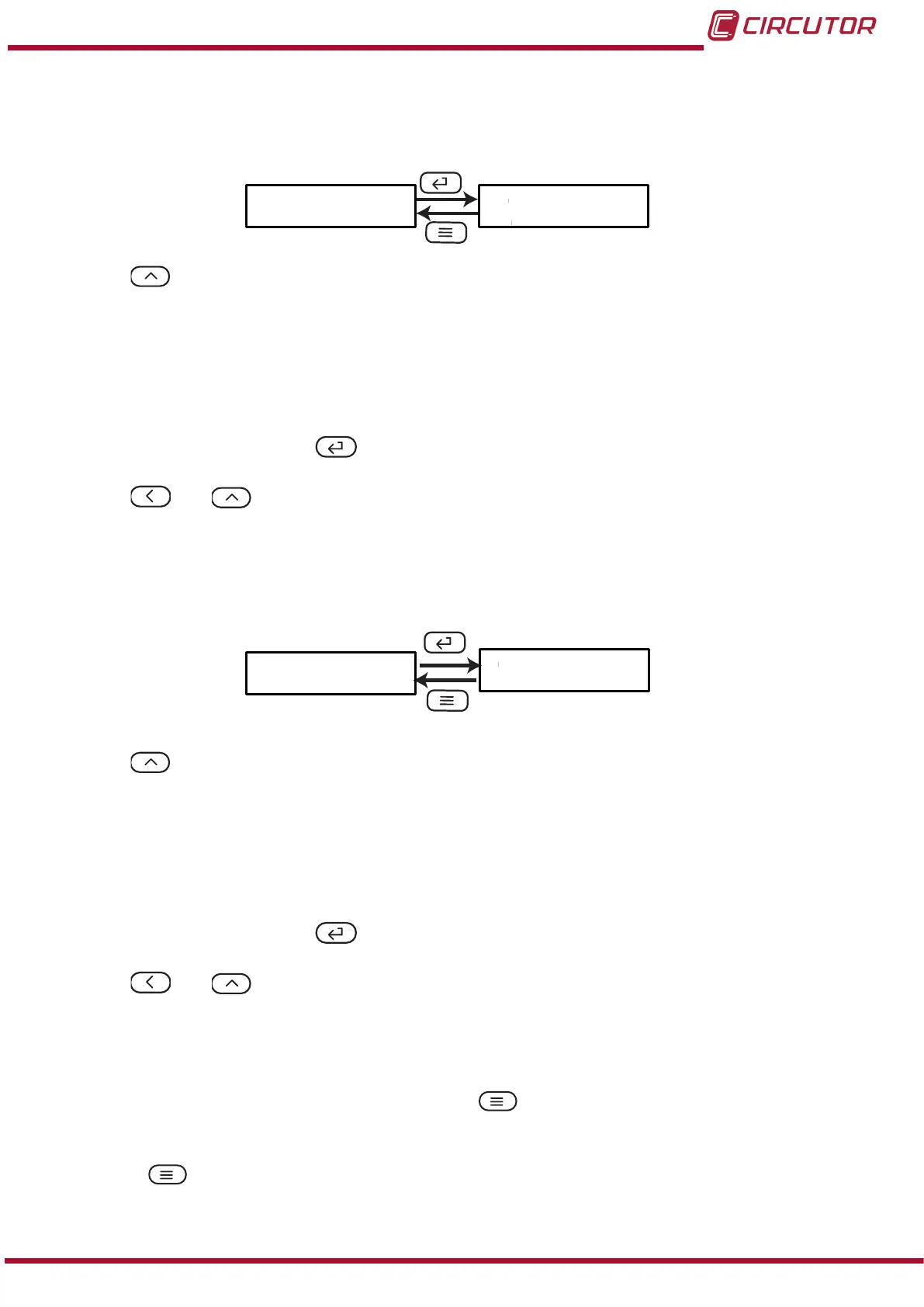
5�2�2�- BAUD RATE
In this screen, the baud rate of RS-485 communications is selected.
bAUd 9600
Use the ,key to browse the different options:
2400, 9600 bps.
4800, 9600 bps.
9600, 9600 bps.
19.20, 19200 bps.
To validate the data, press the key.
Use the and keys to browse the conguration screens of the menu.
5�2�3�- DATA FORMAT
This screen is used to congure the data format.
dAtA
n.8.1
Use the ,key to browse the different options:
n.8.1, no parity, 8 data bits, 1 stop bit
o.8.1, odd parity, 8 data bits, 1 stop bit
E.8.1, even parity, 8 data bits, 1 stop bit
n.8.2, no parity, 8 data bits, 2 stop bit
To validate the data, press the key.
Use the and keys to browse the conguration screens of the menu.
5�2�4�- SAVE CONFIGURATION
To save the conguration of the device, press the key, until the main screen of the input
conguration menu is opened, Figure 10.
Press the key again to show the validation screen.
21
Instruction Manual
DHC-96 Aac











 To Next Page