5.1.- CONFIGURATION OF THE INPUT
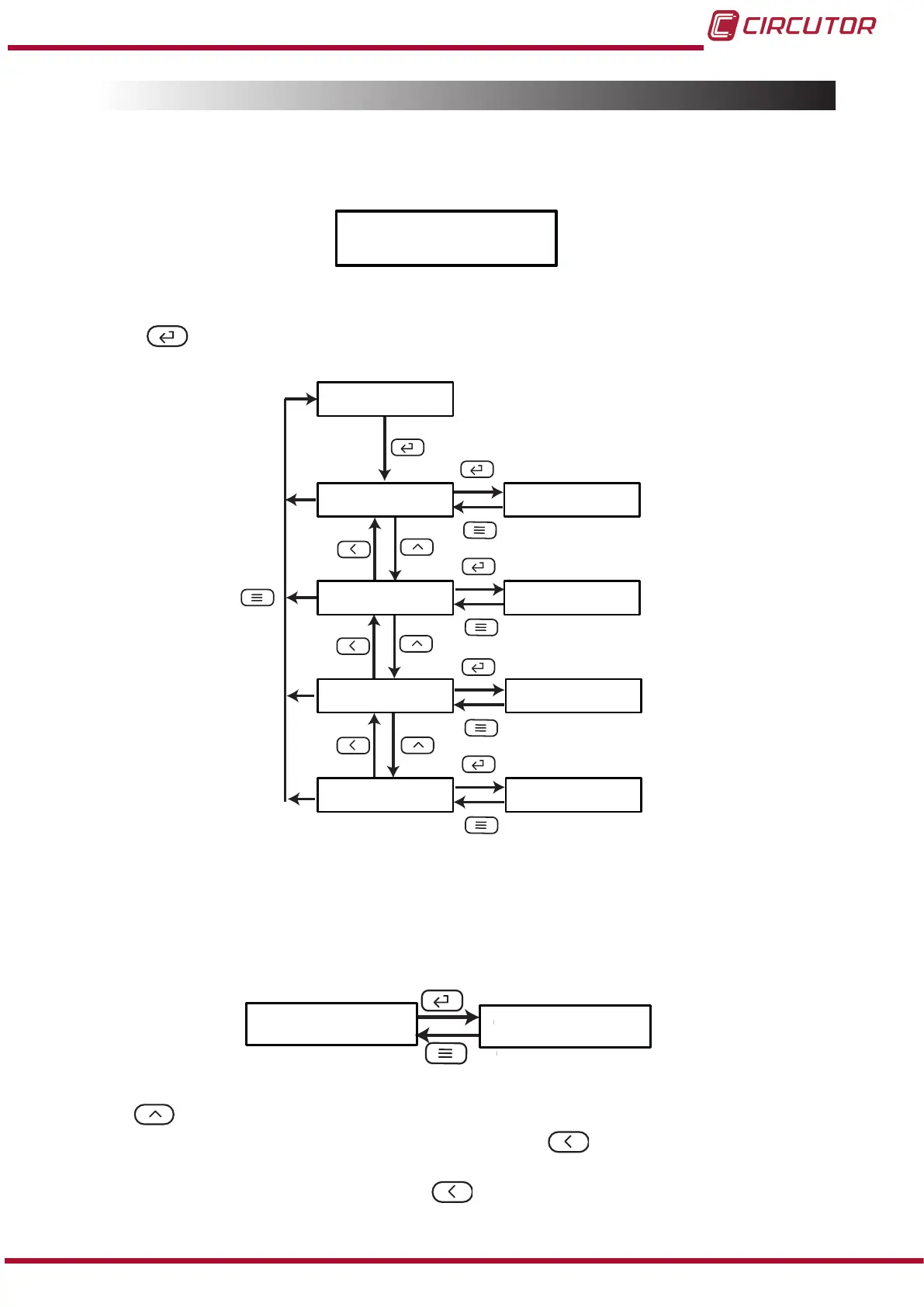
Figure 10, shows the main screen of the input conguration menu, from which the primary
current and secondary current are congured.
Figure 10: Input conguration menu, main screen.
Press the key to open the conguration menu.
inPt
in i
Unt. i
in 2
Unt.2
1.000
oFF
5.000
oFF
Figure 11:Input conguration menu.
5�1�1�- PRIMARY CURRENT
This screen is used to congure the value of the primary current.
in i
1.000
Use the , key to modify the value of the ashing digit
When the desired value is shown on the screen, press the key to skip the digit.
When you reach the last digit and press the key, you select the position of the decimal
17
Instruction Manual
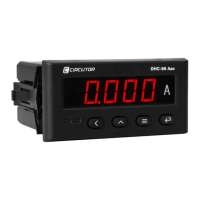
DHC-96 Aac











 To Next Page