5�6�4�- SAVE CONFIGURATION
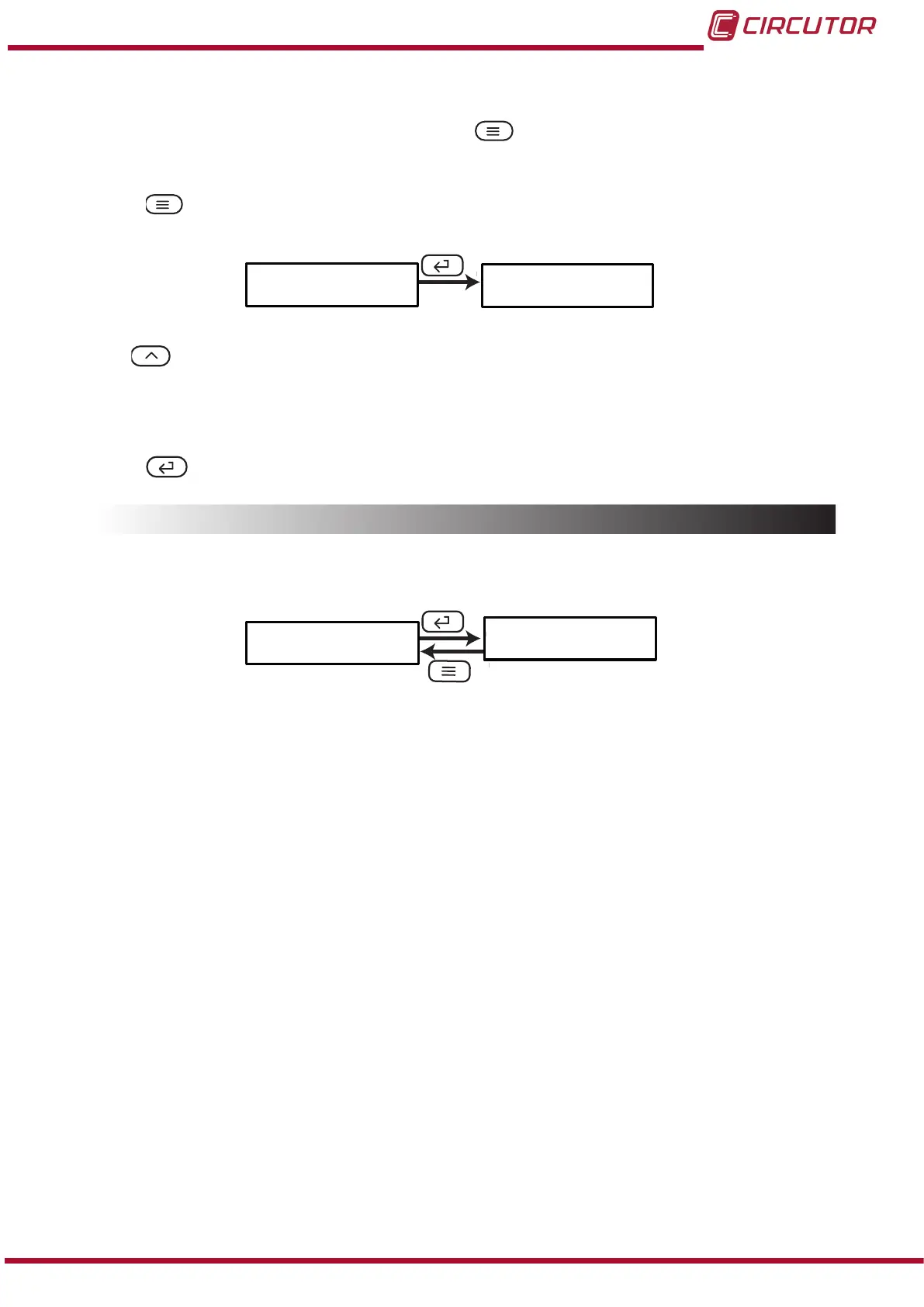
To save the conguration of the device, press the key until the main screen of the con-
guration menu of the display is opened, Figure 19.
Press the key again to show the validation screen.
SAuE
no
Use the ,key to browse the different options:
no, exit the conguration without saving the changed values.
YES, save the changed conguration values.
Press the key to validate the data and exit the conguration menu.
5.7.- SOFTWARE VERSION
The software version of the device is shown in the display mode.
uEr
3014
31
Instruction Manual
DHC-96 Aac











 To Next Page