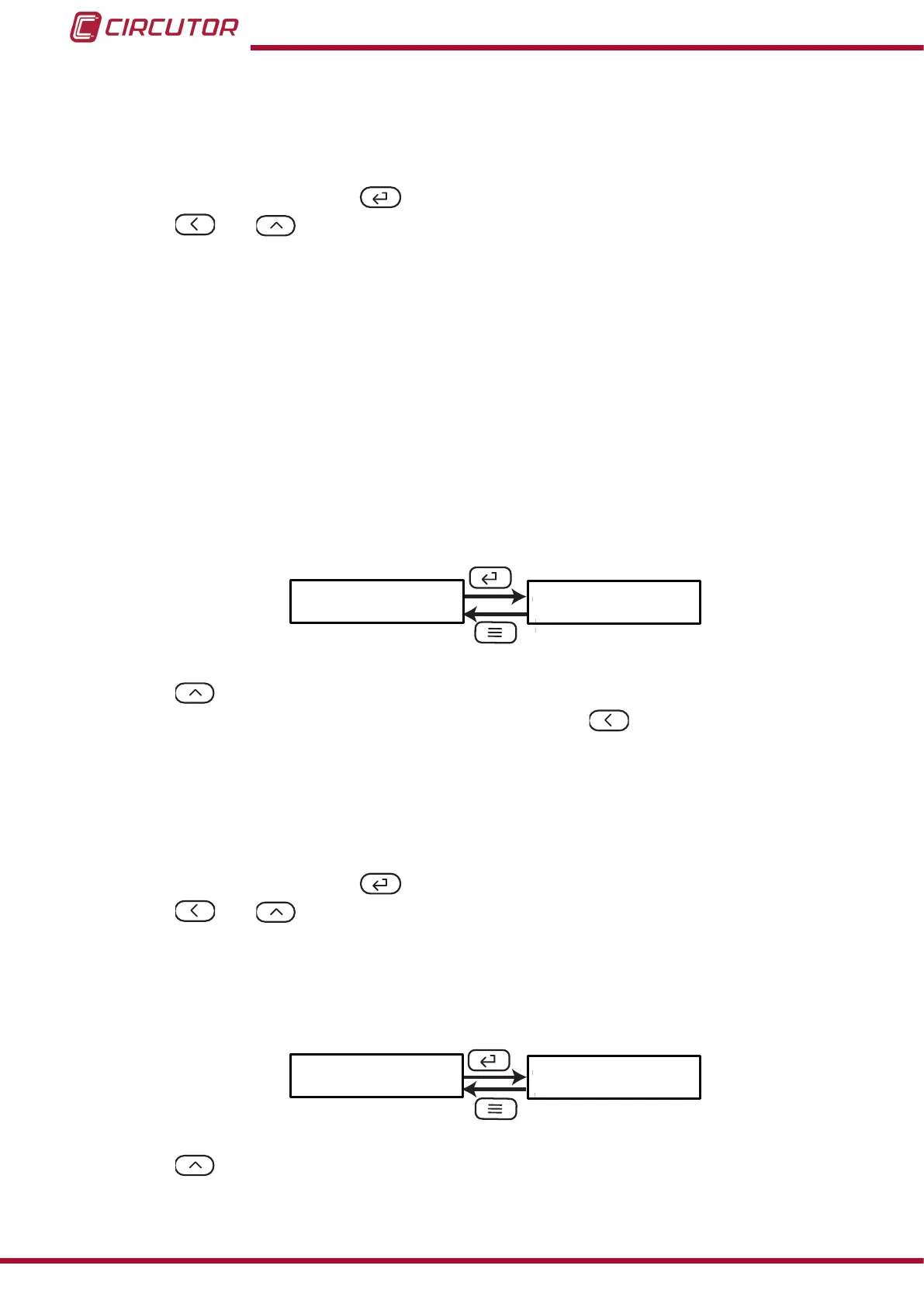
oFF, relay output 1 is disabled.
rEn, remote control output.
ALr, alarm output.
To validate the data, press the key.
Use the and keys to browse the conguration screens of the menu.
5�4�2�- RELAY PULSE DURATION
The alarm relay can behave in 2 different ways:
1�- The relay is activated when the alarm is triggered and is deactivated when the alarm
is deactivated.
2�- The relay is activated when the alarm is triggered and is deactivated after a pro-
grammed period of time, even though the alarm condition has not been cancelled.
This screen is used to congure the programmed time, i.e., the relay pulse duration.
To make the relay operate in mode no� 1, program the value to 0.
tinE
0000
ñ-
Use the , key to modify the value of the ashing digit
When the desired value is shown on the screen, press the key to skip the digit.
Minimum conguration value: 0 x 0.1 s
Maximum conguration value: 9999 x 0.1 s
Example: Use program 0050 to congure a value of 5 s.
To validate the data, press the key.
Use the and keys to browse the conguration screens of the menu.
5�4�3�- ALARM PARAMETER
This screen is used to congure the parameter that will be used to activate the alarm.
itEn
i--H
Use the key to browse the different options:
F--H, Active alarm when the frequency is higher than the alarm value.
-
26
DHC-96 Aac
Instruction Manual











 To Next Page