To validate the data, press the key.
Use the and keys to browse the conguration screens of the menu.
5�4�6�- HYSTERESIS
This screen is used to congure the hysteresis value, i.e., the difference between the alarm
connection and disconnection value.
HyS
000.5
Use the , key to modify the value of the ashing digit
When the desired value is shown on the screen, press the key to skip the digit.
Minimum conguration value: 0
Maximum conguration value: 9999
To validate the data, press the key.
Use the and keys to browse the conguration screens of the menu.
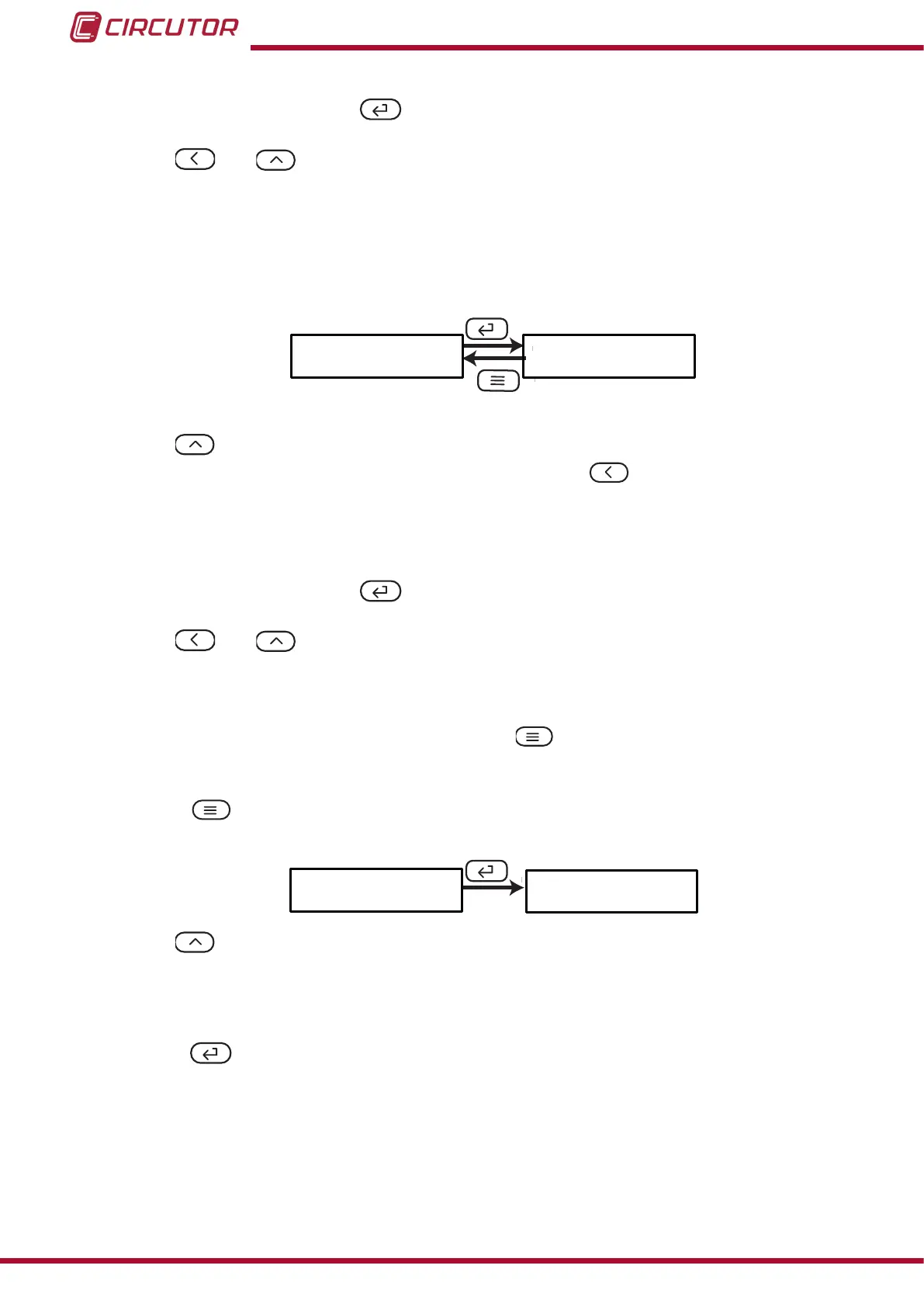
5�4�7�- SAVE CONFIGURATION
To save the conguration of the device, press the key until the main screen of the relay
output 1 conguration menu is opened, Figure 16.
Press the key again to show the validation screen.
SAuE
no
Use the key to browse the different options:
no,exit the conguration without saving the changed values.
YES, save the changed conguration values.
Press the key to validate the data and exit the conguration menu.
28
DHC-96 Aac
Instruction Manual











 To Next Page