Use the and keys at the same time to congure the value.
Use the ,key to browse the different options:
4-20, Current output 4 ... 20 mA
0-20, Current output 0 ... 20 mA
12.20, Current output 4 ...12 ... 20 mA
To validate the data, press the key.
Use the and keys to browse the conguration screens of the menu.
5�3�2�- READING FOR THE START OF THE ANALOG OUTPUT
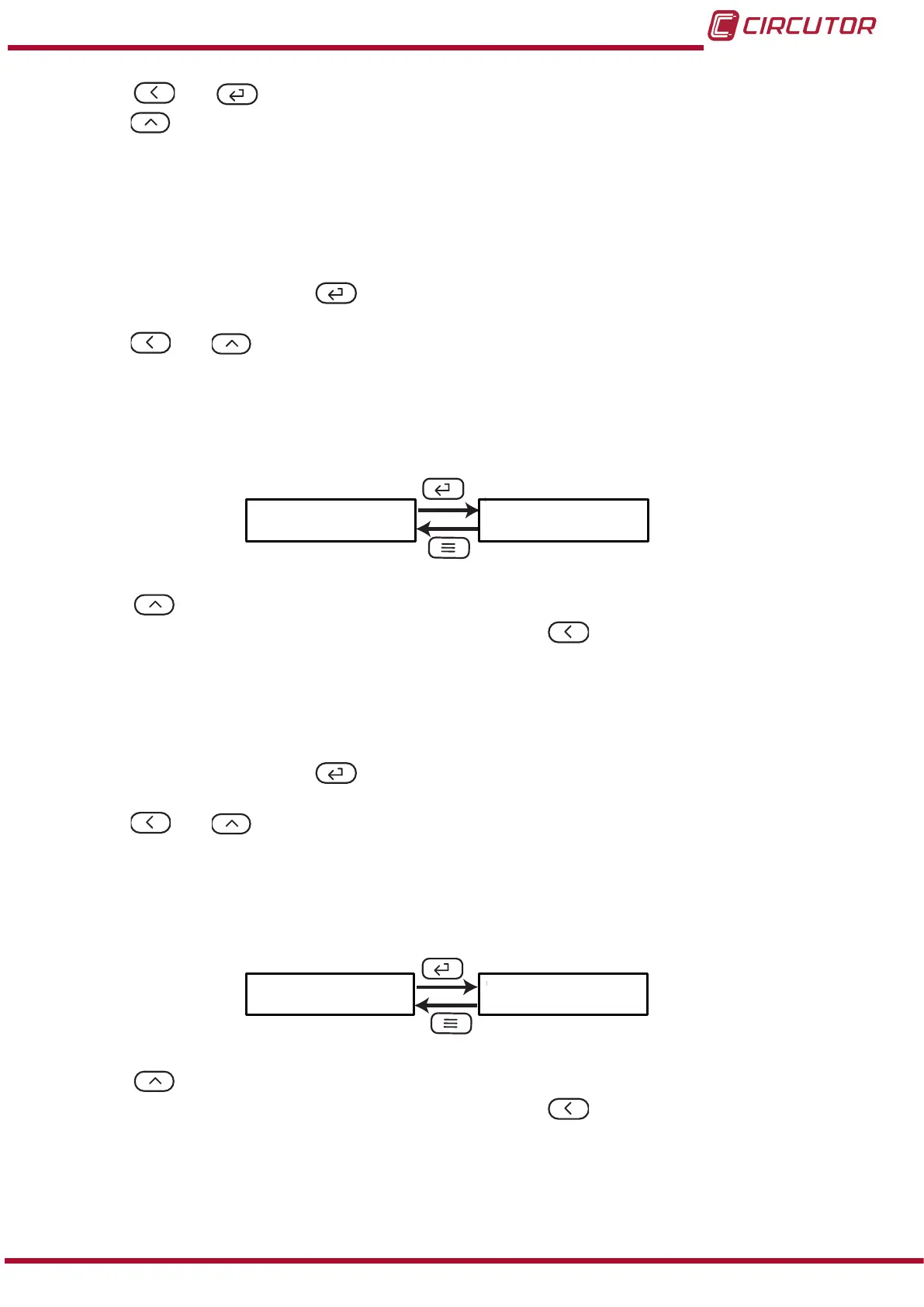
In this screen, the reading value from which the analog output is started is congured.
ds
0.000
Use the , key to modify the value of the ashing digit
When the desired value is shown on the screen, press the key to skip the digit.
Minimum conguration value: 0.000
Maximum conguration value: 0.5 x Secondary current.
Note: FS (End of the analog output) - DS (Start of the analog output) ≥ 500
To validate the data, press the key.
Use the and keys to browse the conguration screens of the menu.
5�3�3�- READING FOR THE END OF THE ANALOG OUTPUT
In this screen, the reading value from which the analog output ends is congured.
FS 5.000
Use the , key to modify the value of the ashing digit
When the desired value is shown on the screen, press the key to skip the digit.
Minimum conguration value: 0.5 x Secondary current.
Maximum conguration value: 1.2 x Secondary current.
Note: FS (End of the analog output) - DS (Start of the analog output) ≥ 500
23
Instruction Manual
DHC-96 Aac











 To Next Page