10-5
Cisco Catalyst Blade Switch 3130 and 3032 for Dell Software Configuration Guide
OL-12247-04
Chapter 10 Configuring Web-Based Authentication
Understanding Web-Based Authentication
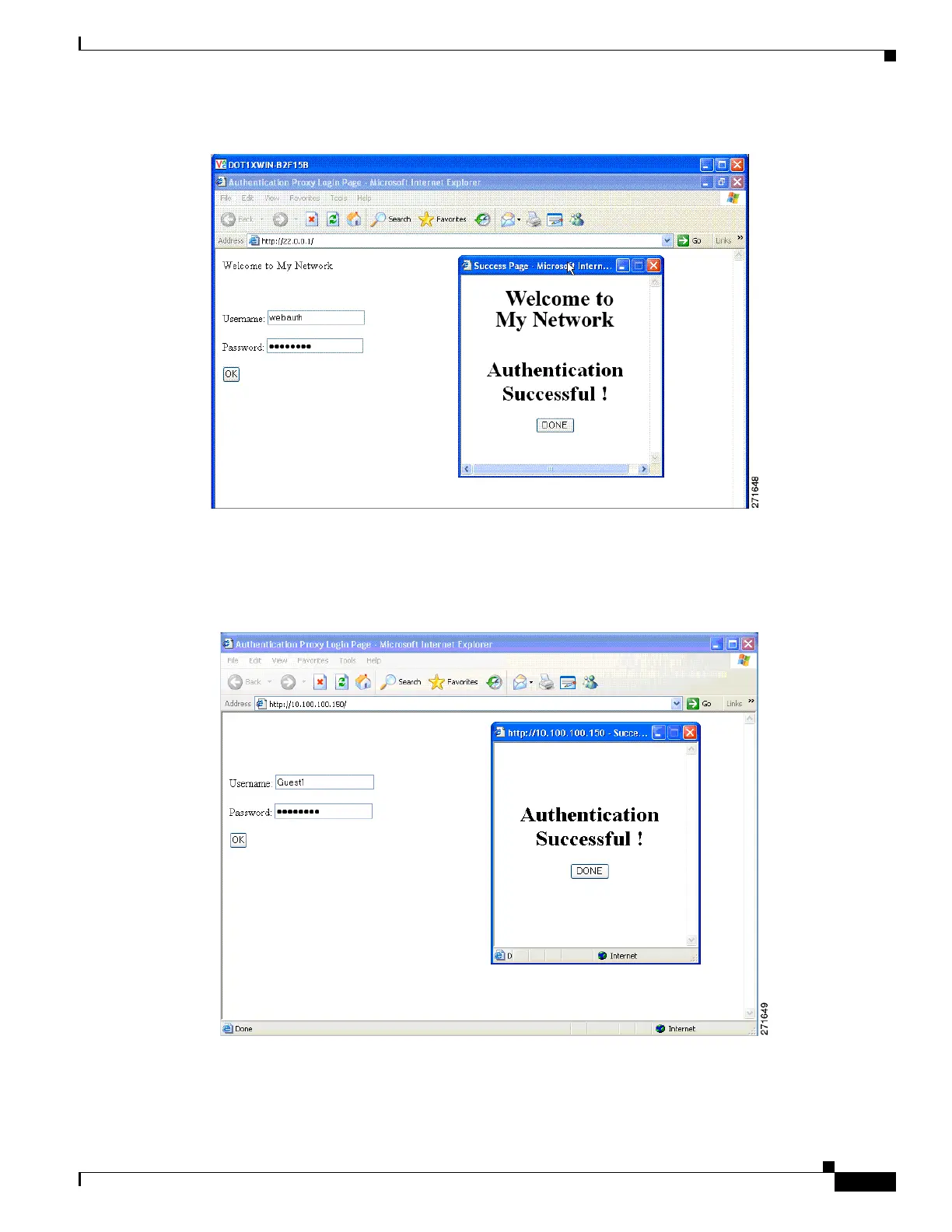
Figure 10-3 Customized Web Banner
If you do not enable a banner, only the username and password dialog boxes appear in the web
authentication login screen, and no banner appears when you log into the switch, as shown in
Figure 10-4.
Figure 10-4 Login Screen With No Banner
For more information, see the Cisco IOS Security Command Reference and the “Configuring a Web
Authentication Local Banner” section on page 10-17.



 To Next Page