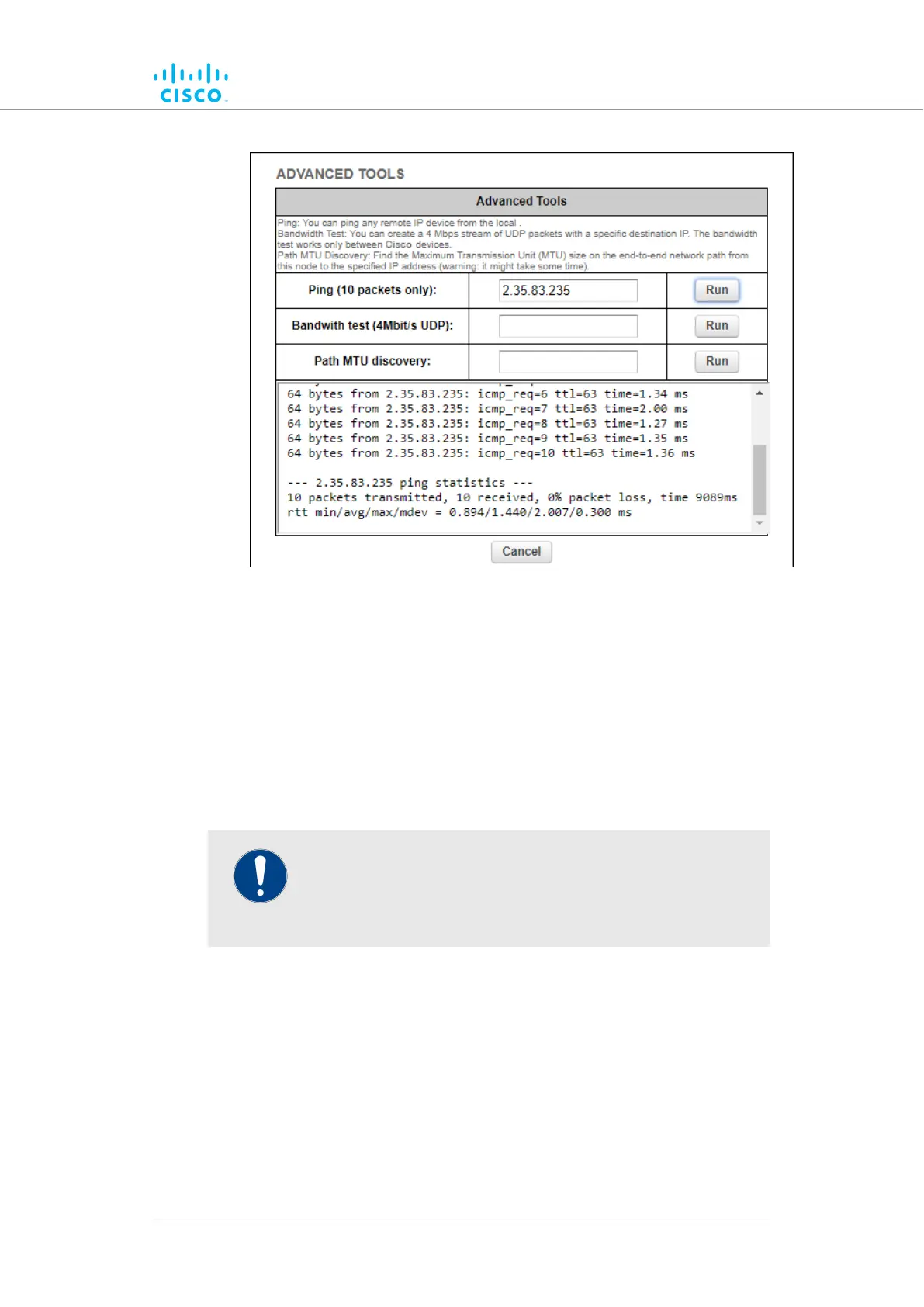
Figure 31. Advanced Tools window (Ping test tool)
Click the3. Run button to the right of the IP address field.
• The ping test result will be shown below the test controls.
Using the Bandwidth Test tool
The Bandwidth test can be run with the network under load (to test
operational performance), or with the network unloaded (to test installed
capacity). The test tool generates a stream of packets at a rate of 4
Mbits/sec to test available network path throughput.
IMPORTANT
Bandwidth rate computation is CPU-intensive, and must be
regarded as indicative only. Note that bandwidth testing tends
to underestimate the actual link throughput.
To use the Bandwidth test tool, do the following steps:
1. Determine what wireless link is to be tested between the
Cisco unit and another unit in the wireless network. Get theIP
address of the other unit.
2. Enter the IP address of the other unit in the Bandwith test
(4Mbit/s UDP): field (Figure 32 (page 102)).
Device configuration using the configurator interface
© 2021 Cisco and/or its affiliates. All rights reserved. Page 101 of 189



 To Next Page