7.6.2. SFP settings
IMPORTANT
The Cisco FM4200 Fiber is shipped from the factory with no
fiber-optic transceiver installed.
For the unit to have fiber-optic capability, the SFP port must be
equipped with a separately-available XCO-type fiber-optic
transceiver.
XCO-standard transceiver modules and XCO-type duplex
fiber-optic connectors can easily be sourced as off-the-shelf
parts. If you experience difficulty in sourcing or ordering fiber-
optic parts or accessories, please contact your local Cisco
Networks representative for assistance.
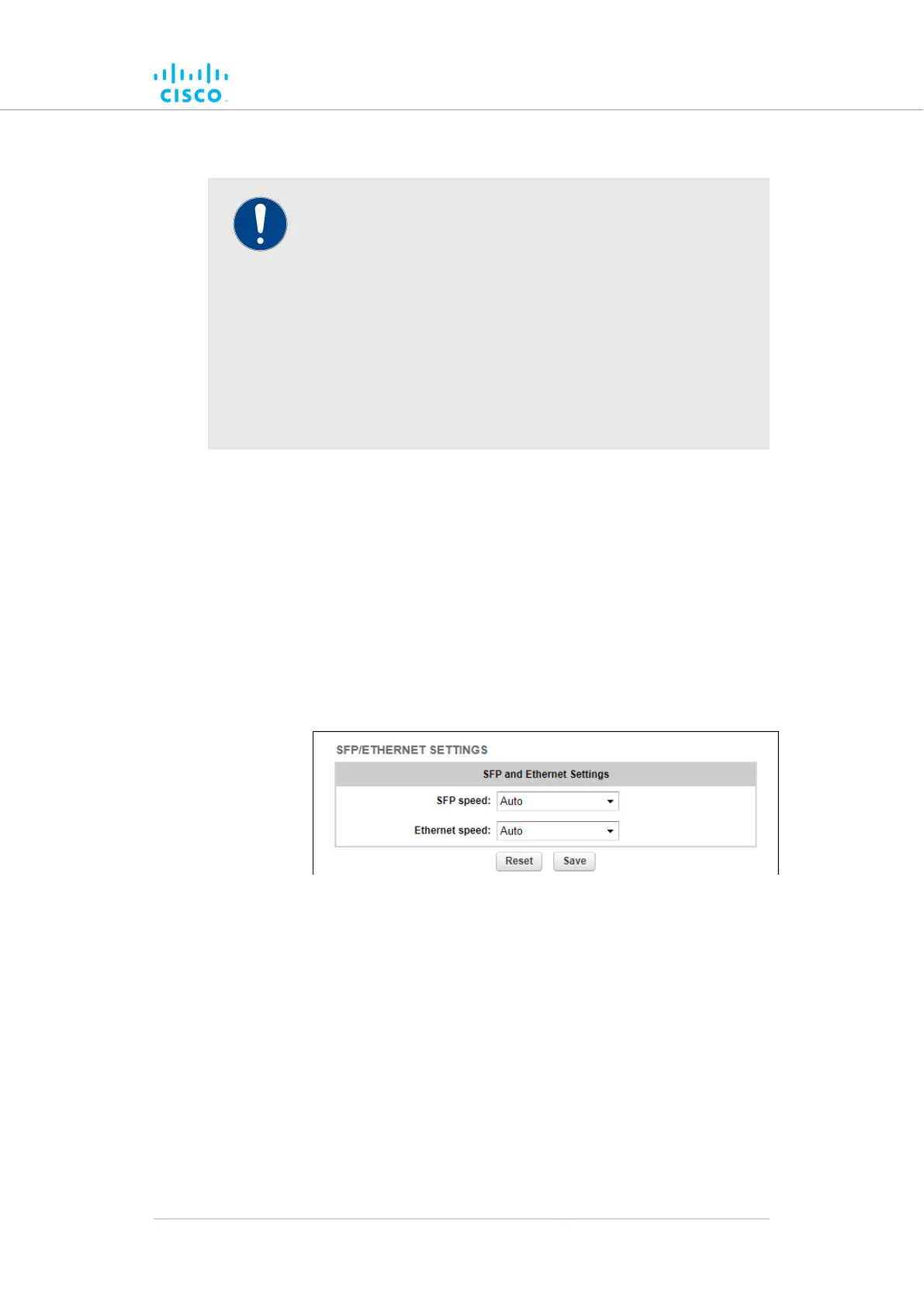
The SFP/ETHERNET SETTINGS window contains controls to change the
data exchange speeds of the unit's duplex fibre-optic link and RJ45
Ethernet port.
To change the data exchange speed of the fibre-optic link and/or Ethernet
link, do the following steps:
1. Click the -ethernet settings link under ADVANCED SETTINGS
in the left-hand settings menu.
• The SFP/ETHERNET SETTINGS dialog will be shown
(Figure 35 (page 108)).
(SFP/ETHERNETGUIFigure 35. Configurator
SETTINGS dialog)
2. Choose the correct fiber-optic data exchange speed by clicking
the SFP speed drop-down and clicking the correct option.
3. Choose the correct Ethernet data exchange speed by clicking the
Ethernet speed drop-down and clicking the correct option.
7.6.3. Static routes
The Static routes window is used to set static routing rules (in other
words, manually-configured routing entries, as opposed to routing
instructions from a dynamic routing table) for a Cisco unit.
Device configuration using the configurator interface
© 2021 Cisco and/or its affiliates. All rights reserved. Page 108 of 189



 To Next Page