7.4. General settings
7.4.1. The General Mode window
The
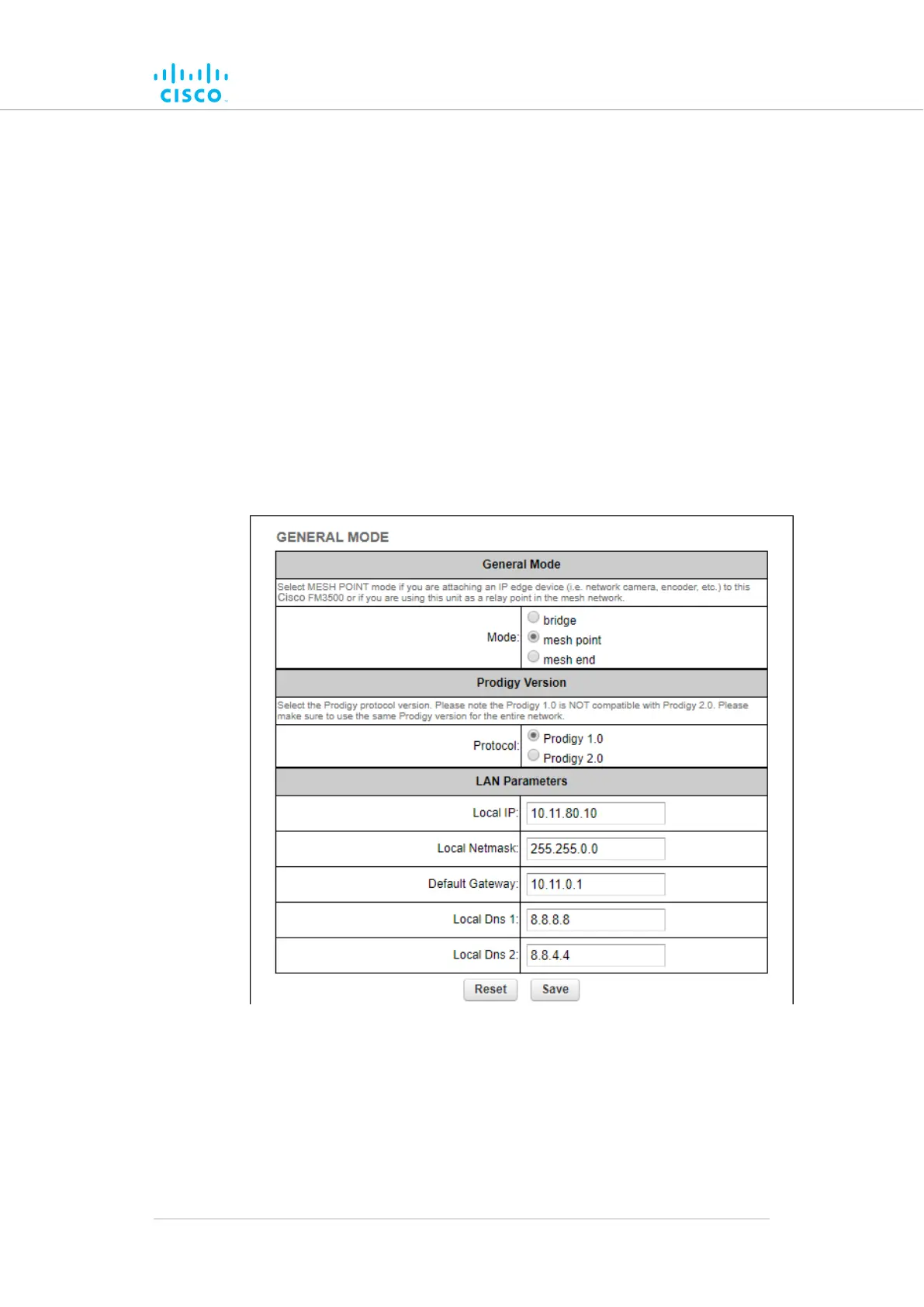
General Mode window contains controls to monitor and/or change the
following settings:
• The unit's operational mode.
• The version of Prodigy currently being used by the unit.
• The unit's LAN parameters.
• If the local unit is in Bridge Mode, the Bridge ID of the remote unit to
which the local unit must be linked.
To change the General Mode settings, do the following steps:
• Click the -general mode link under GENERAL SETTINGS in the
left-hand settings menu (below).
Figure 23. Configurator GUI (General Mode)
• The GENERAL
MODE dialog will be shown (Figure 23
(page 70)).
Device configuration using the configurator interface
© 2021 Cisco and/or its affiliates. All rights reserved. Page 70 of 189



 To Next Page