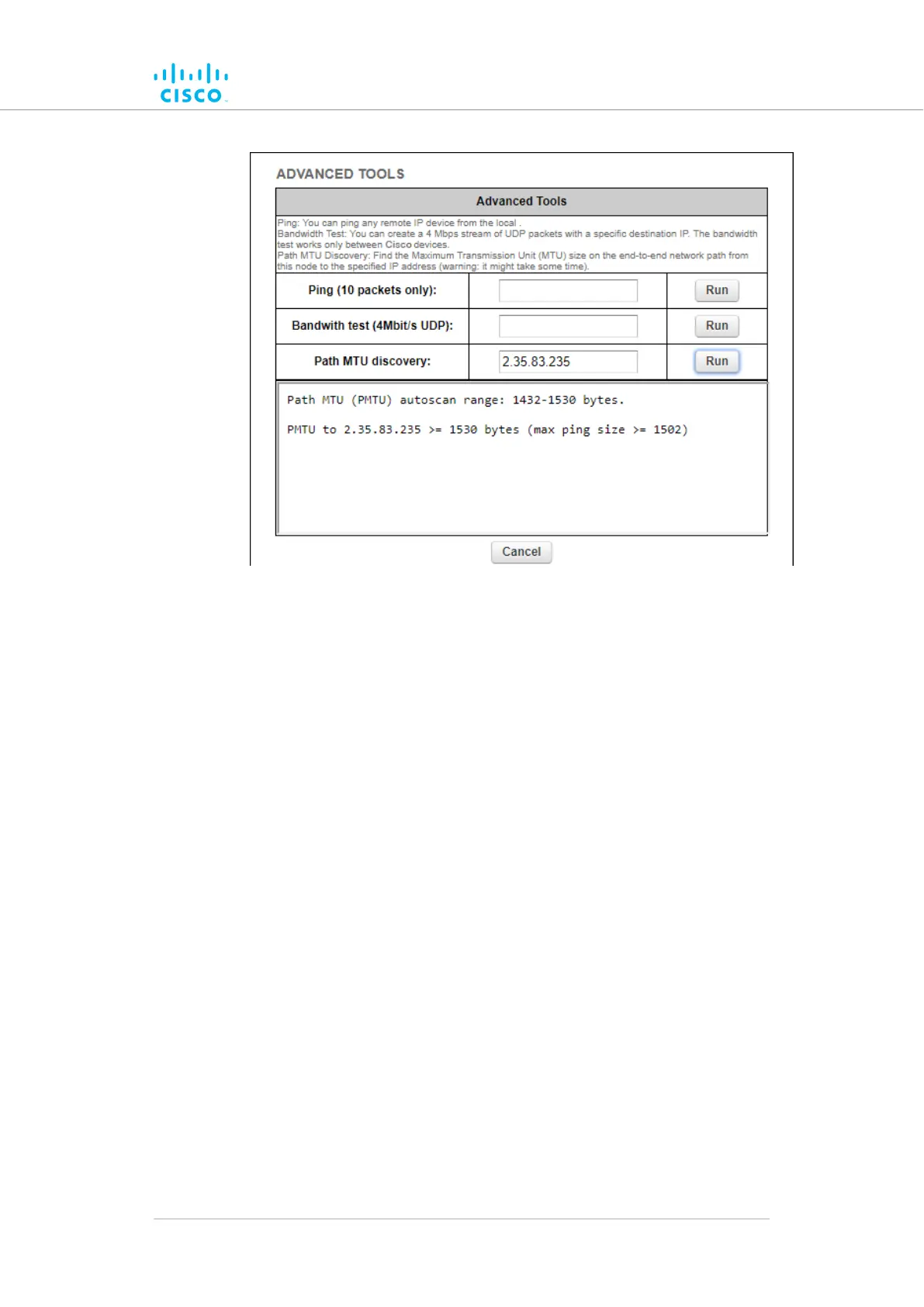
Figure 33. Advanced Tools window (Path MTU test tool)
3.
Click the Run button to the right of the IP address field.
• The Path MTU test result will be shown below the test
controls.
7.6. Advanced settings
7.6.1. Advanced radio settings
The advanced radio settings menu item is used to configure the following
wireless parameters:
• The device's FluidMAX operating mode
• The FluidMAX cluster identification code
• The maximum radio transmission power level
• The AES data encryption setting
• The maximum distance over which the unit is capable of
transmitting
To open the Advanced Radio Settings dialog, click the -advanced radio
settings link under ADVANCED SETTINGS in the left-hand settings
menu (below).
Device configuration using the configurator interface
© 2021 Cisco and/or its affiliates. All rights reserved. Page 103 of 189



 To Next Page