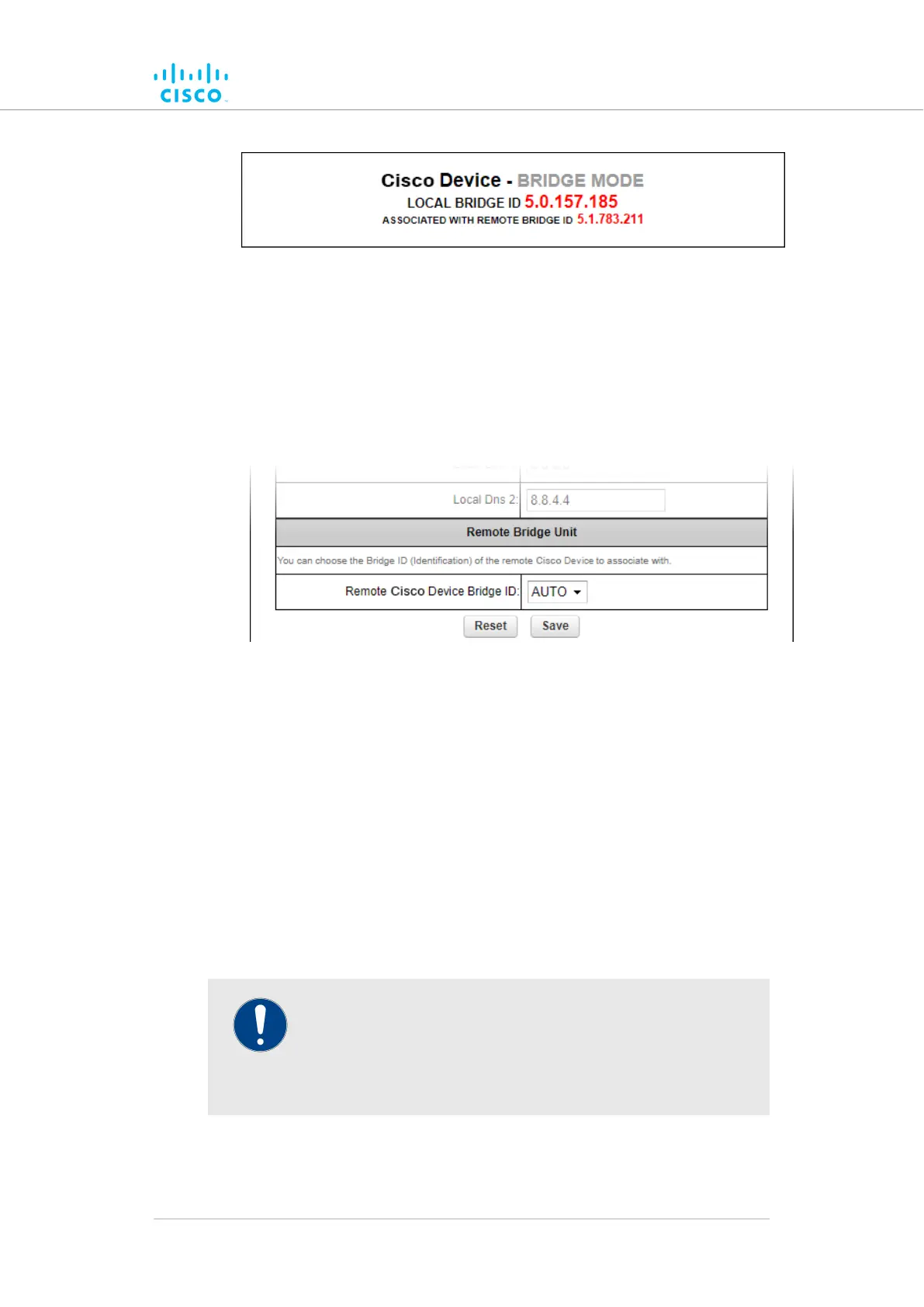
Figure 24. Configurator window heading block
If the unit has been set to Bridge Mode, you must set the Bridge ID of the
remote unit to which the local unit must be linked. Set the Bridge ID by
doing the following steps:
1. Click the Remote [Unit model] Bridge ID: drop-down (Figure 25
(page 72)).
Figure 25. General Mode window (Remote Bridge Unit
section)
Click one of the following options:2.
• AUTO: The local unit will automatically establish a wireless
bridge connection with the closest available Cisco unitthat
is set to Bridge Mode.
• Alternatively, choose the correct unit from the list of
available units.
3. Save the operational mode settings by clicking the Save button.
Alternatively, clear the settings by clicking the Reset button.
Changing the Prodigy version
IMPORTANT
Prodigy version selection is only available if the Cisco FM4200
Fiber is set to Mesh Point mode or Mesh End mode. If the
unit is set to Bridge mode, the Prodigy Version selector will not
be available.
The Prodigy Version box (below) contains the Prodigy version selector.
Device configuration using the configurator interface
© 2021 Cisco and/or its affiliates. All rights reserved. Page 72 of 189



 To Next Page