IMPORTANT
Only click the Force Deactivation button if you have
no way to retrieve the deactivation code (for
example, if the unit's boot sequence cannot be
completed, or if the unit is damaged and cannot be
powered ON).
• The plug-in will be deactivated.
• The Deactivation code will be shown in the Deactivation
Code column of the plug-in listing.
• The Deactivation code will remain on the Partner Portal,
and can be used to generate a new Activation code if
needed.
8.2.3. Reactivating a deactivated plug-in
To use a Deactivation code to generate an new Activation code, do the
following steps:
1. Log on to the Cisco Partner Portal.
Click the2. Plug-ins link.
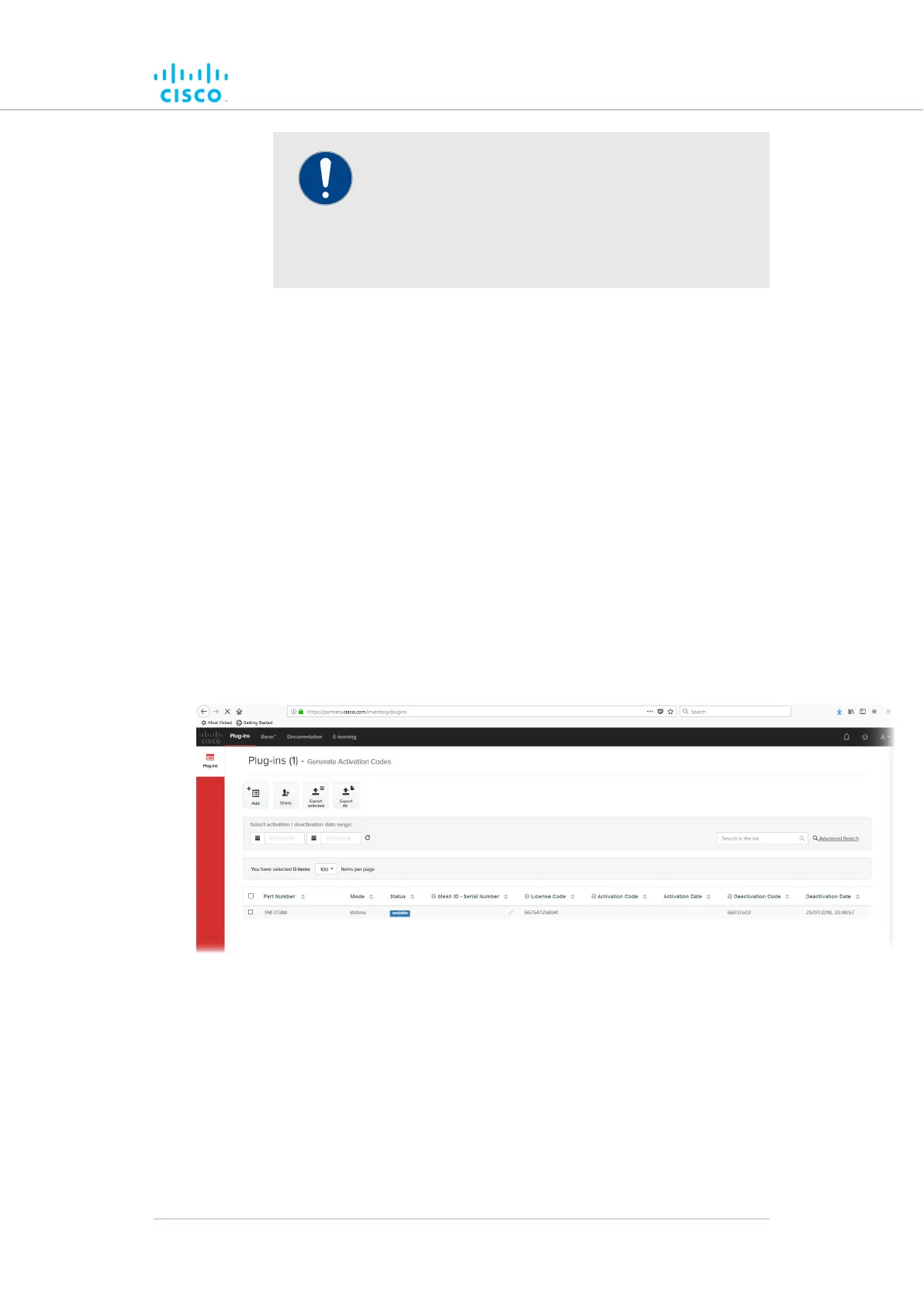
• The Plug-ins web page will be shown (Figure 73 (page
166)).
Figure 73. Partner Portal (Plug-ins web page)
3. Check the selection check-box to the left of the relevant plug-in
listing.
• The plug-in control buttons will be shown at the bottom of
the web page.
4. Enter the unit identification number (5.a.b.c) or the unit serial
number of the Cisco unit in the Mesh ID - Serial Number
field.
Software Plug-Ins
© 2021 Cisco and/or its affiliates. All rights reserved. Page 166 of 189



 To Next Page