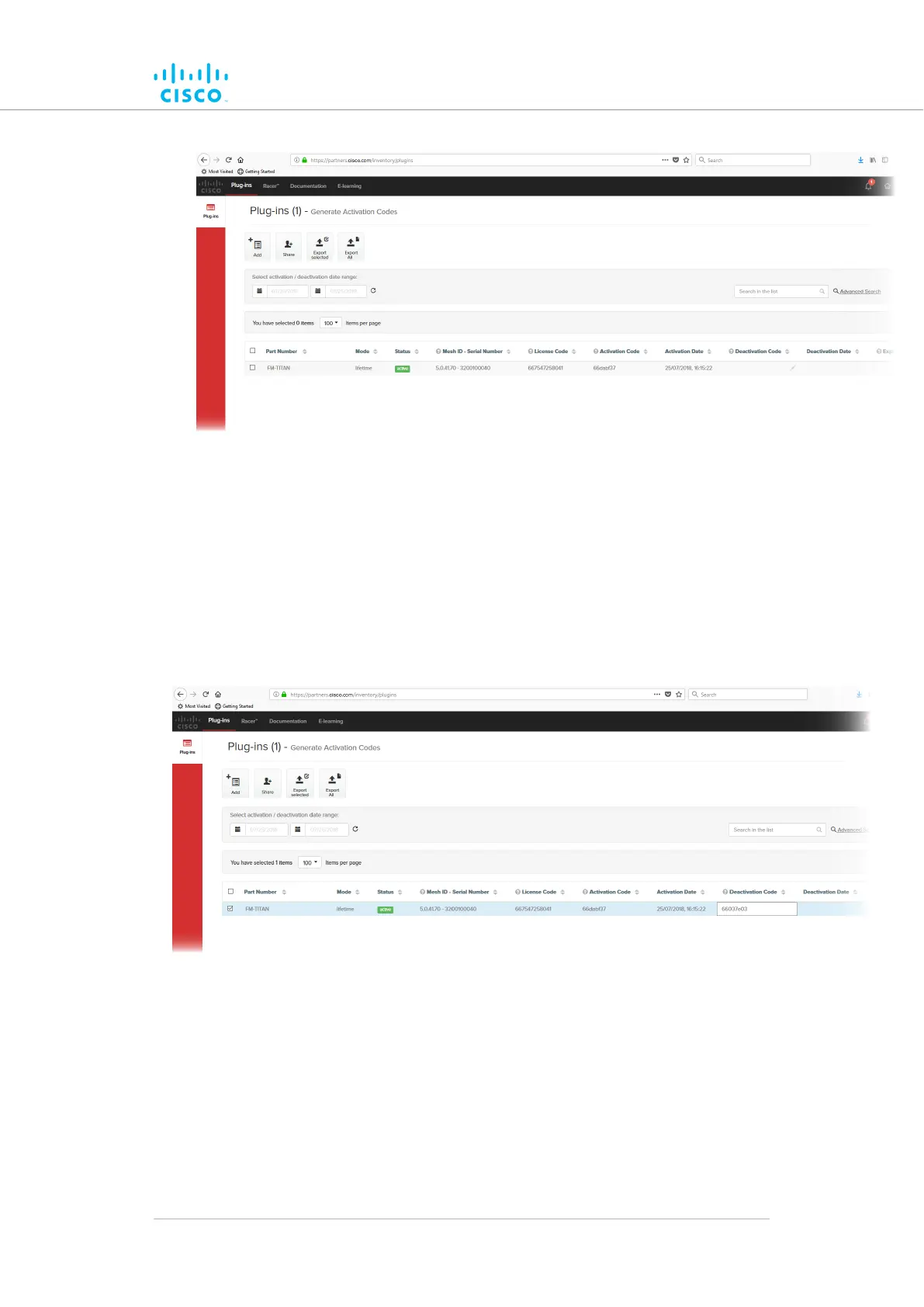
Figure 71. Partner Portal Plug-ins page (License code
deactivation)
7. Check
the selection check-box to the left of the relevant plug-in
listing.
• The plug-in control buttons will be shown at the bottom of
the web page.
8. Enter the Deactivation code for the plug-in in the Deactivation
Code field (Figure 72 (page 165)).
Figure 72. Partner Portal Plug-ins page (deactivation code
entry)
9.
Click the Deactivate button at the bottom of the web page.
• The PLUG-IN DEACTIVATION dialog will be shown.
10. To do a normal deactivation, click the Deactivate button. If for
any reason it is not possible to retrieve the deactivation code,
click the Force Deactivation button.
Software Plug-Ins
© 2021 Cisco and/or its affiliates. All rights reserved. Page 165 of 189



 To Next Page