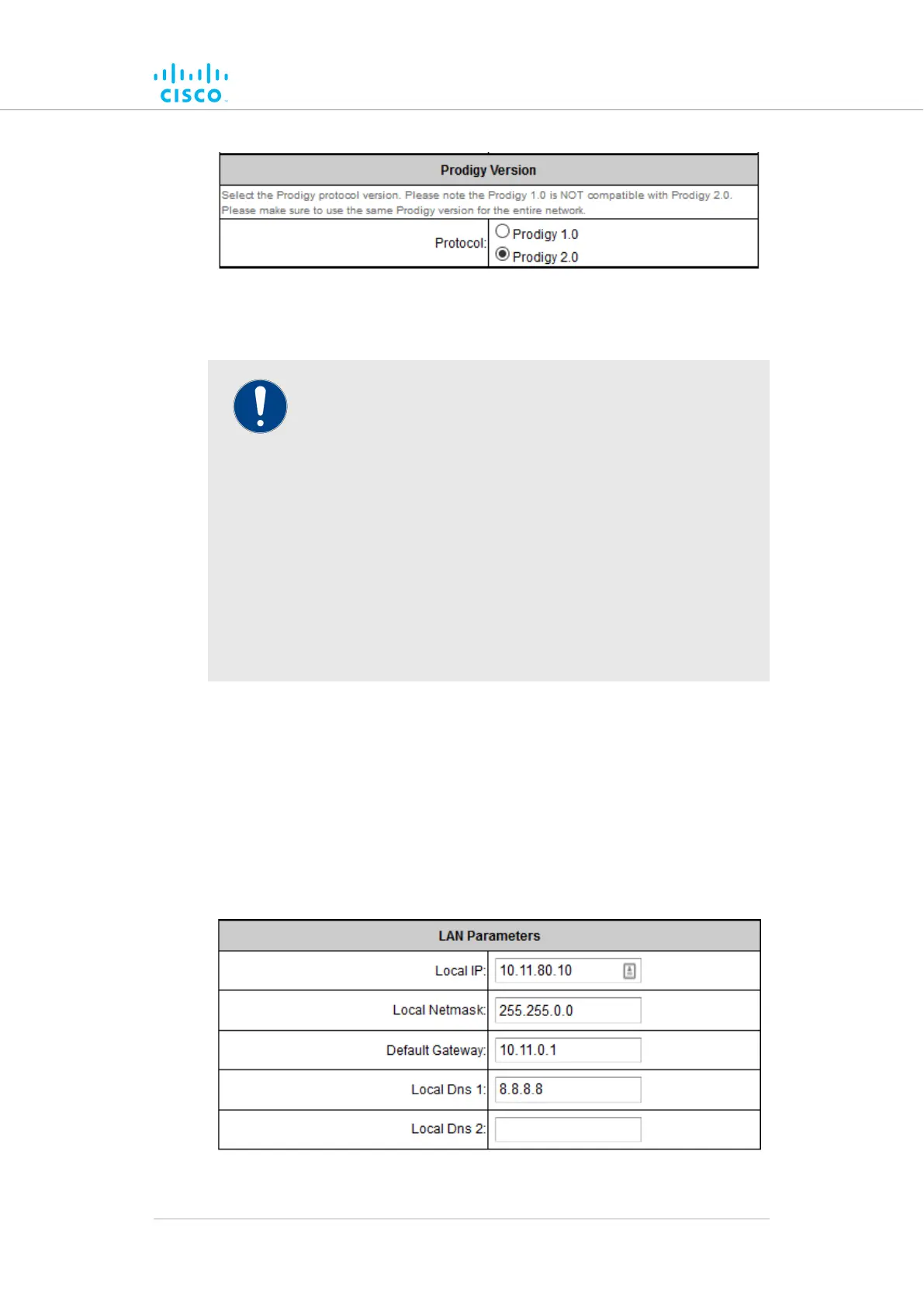
Remember that all Cisco devices within a network must use the
same Prodigy version.
IMPORTANT
Prodigy 2.0 is not compatible with Prodigy 1.0. Do not
implement the two protocol versions within the same network.
If you are expanding an existing network using new Cisco
hardware components, make sure that all components are
compatible with each other by:
1. Upgrading all network components within the same
network to firmware version 6.5 or higher.
2. Configuring all network components within the same
network to operate using either Prodigy 1.0 or Prodigy
2.0.
Option 2 is recommended if the network does not contain older
Cisco devices that are not compatible with Prodigy 2.0.
If needed, change the unit's Prodigy version by clicking the Prodigy 1.0
radio button or Prodigy 2.0 radio button.
Save the Prodigy version settings by clicking the Save button.
Alternatively, clear the settings by clicking the Reset button.
Changing the LAN parameters
The LAN Parameters box (below) contains the entry controls for local-
address setting.
Device configuration using the configurator interface
© 2021 Cisco and/or its affiliates. All rights reserved. Page 73 of 189



 To Next Page