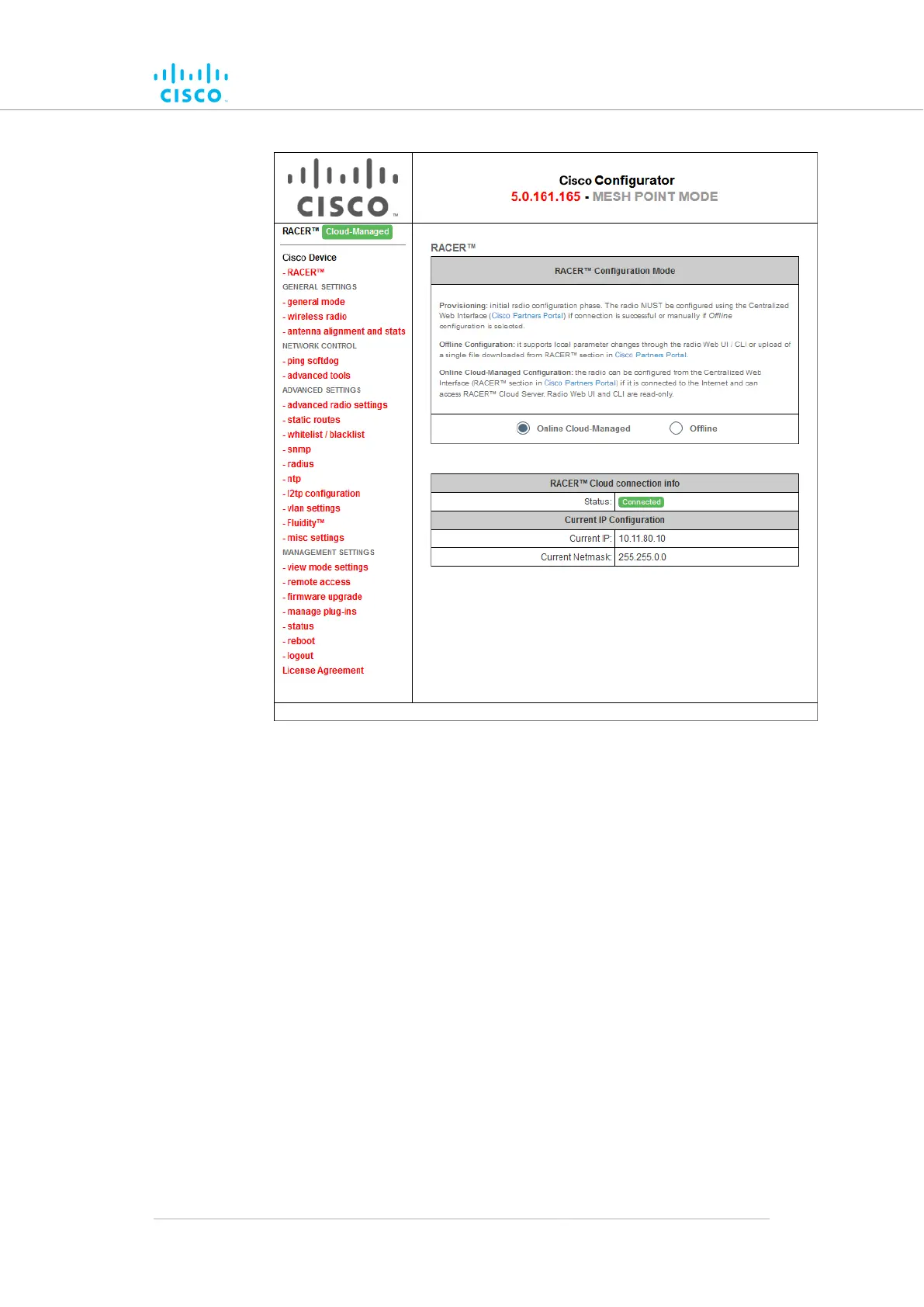
Figure 21. Cisco Configurator (landing page)
2. The lower section of the RACER™ Configuration Mode box has
two radio buttons that show whether the unit is in Online (Cloud-
Managed) mode, or Offline mode.
3. If the unit is not in the correct mode, click the Online (Cloud-
Managed) or Offline radio button as needed.
• A confirmation dialog will be shown, asking if you want to
switch the unit to the chosen mode.
To switch the radio to the chosen mode, click the4. Confirm button.
• A ten-second countdown will be shown.
• The Configurator interface web page will reload.
• The unit will be switched to the chosen configuration mode.
Uploading a device configuration file from FM Racer
A FM Racer device configuration template contains a set of pre-
configured parameters that can be customized and applied to a single
Cisco device, or to a group of devices.
Device configuration using the configurator interface
© 2021 Cisco and/or its affiliates. All rights reserved. Page 68 of 189



 To Next Page