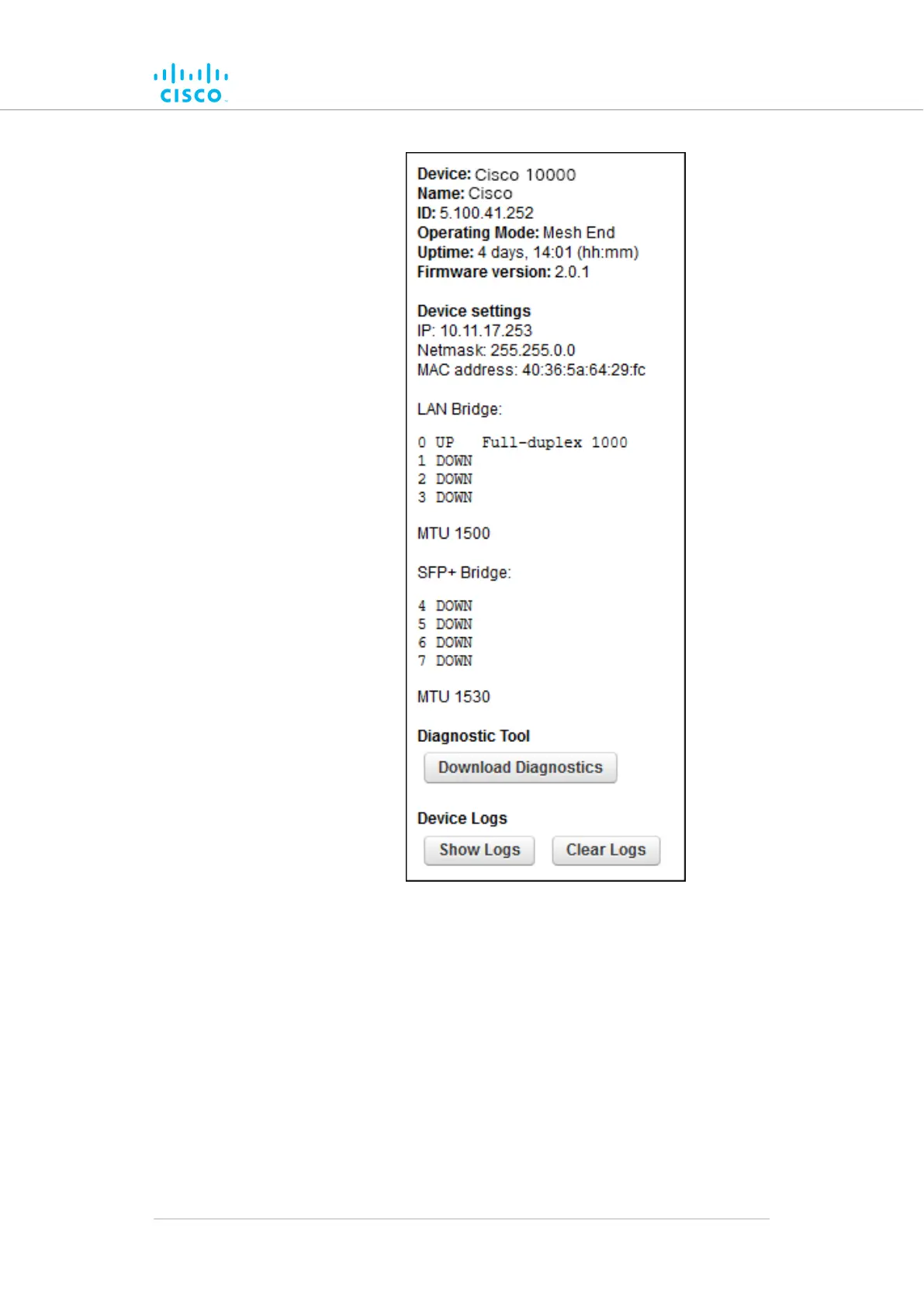
Figure 62. Typical Status dialog (second-generation
FM1000 gateway gateway)
• Status
information on the unit's basic characteristics,
device settings and wireless settings is shown in the upper
part of the window.
To download and forward the current diagnostic file for the unit, do the
following steps:
1. Click the Download Diagnostics button.
2. Follow the software prompts to download the *.FM diagnostic file
to your computer.
Device configuration using the configurator interface
© 2021 Cisco and/or its affiliates. All rights reserved. Page 151 of 189



 To Next Page