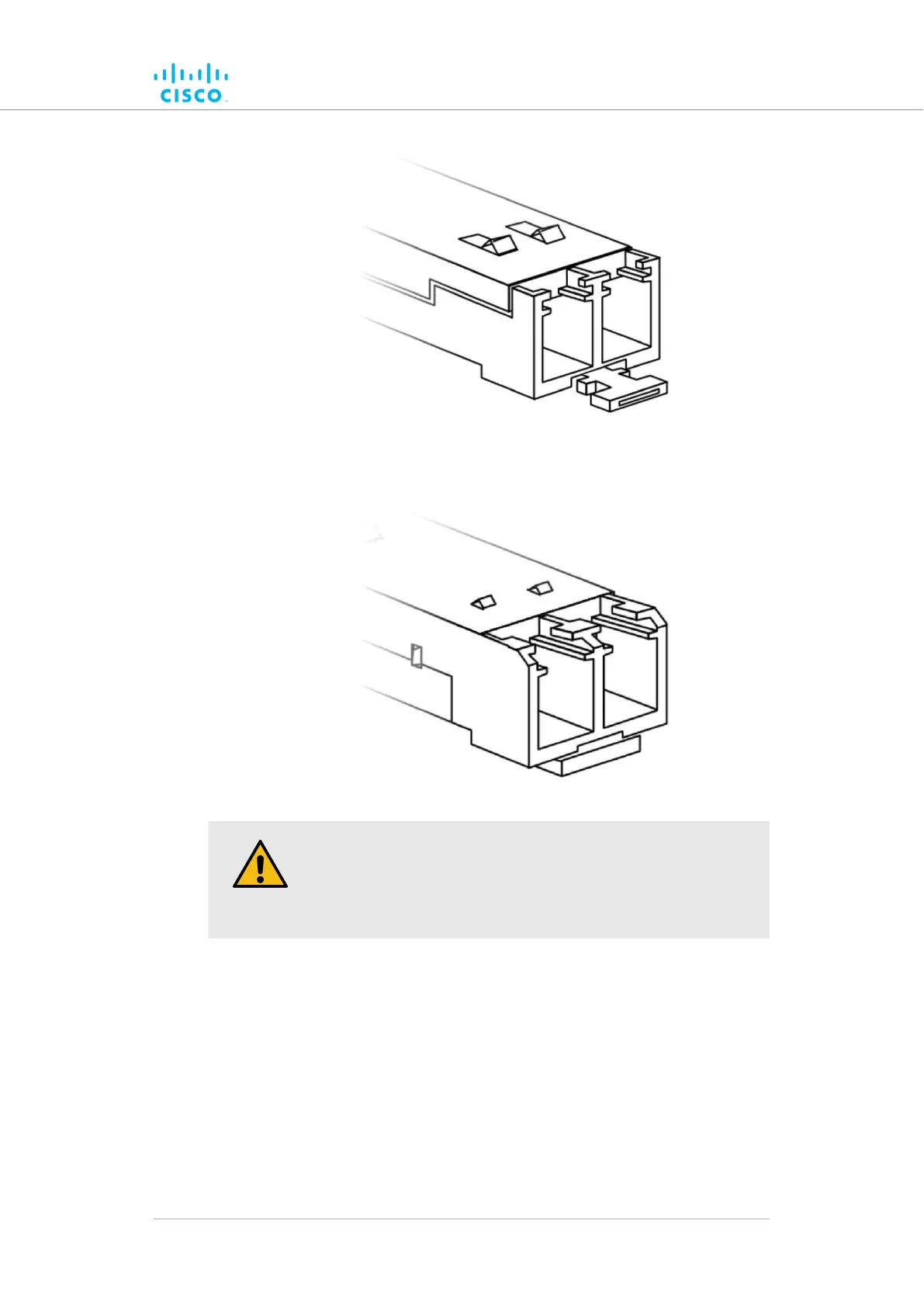
• The slide tab-type module has a sliding tab underneath its front end
that is used to remove the module (below).
CAUTION
SFP modules are static-sensitive devices. Always use an ESD
wrist strap or similar individual grounding device when handling
an SFP module.
To install an XCO-type SFP module in the Cisco FM4200 Fiber, do the
following steps:
1. Wear an ESD-preventive wrist or ankle strap, and follow its
instructions for use.
2. Make sure that the SFP module is oriented correctly in relation to
the module slot. Slide-tab modules have a hardware label that
must face up.
3. If the module is a bale-clasp type, close the bale clasp before
inserting the module.
Hardware installation
© 2021 Cisco and/or its affiliates. All rights reserved. Page 46 of 189



 To Next Page