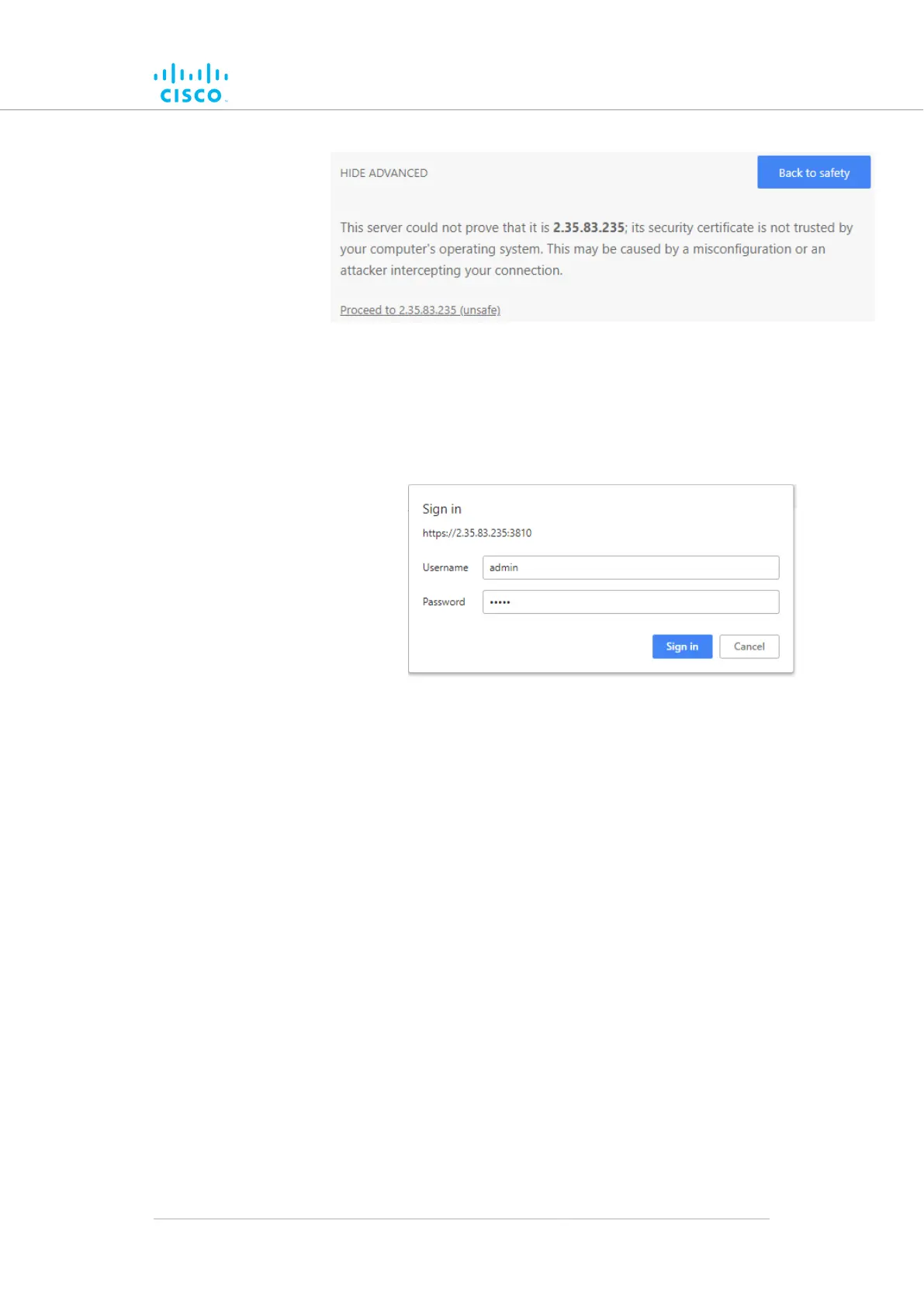
Figure 14. Security certificate warning
(Google Chrome)
Clickb. Proceed to [the URL] (unsafe).
• The device login window will be shown:
logindevice15. CiscoFigure
window
The factory-set login details are as follows:8.
• Username: admin
• Password: admin
9. Enter the correct username and password. Press 'Enter'.
If your browser shows a time-out or similar message, the
computer may be trying to access the Cisco device througha
proxy server. To resolve the issue, do the following steps:
1. Go to Control Panel > Internet Options > Connections
> LAN Settings.
Device configuration using the configurator interface
© 2021 Cisco and/or its affiliates. All rights reserved. Page 60 of 189



 To Next Page