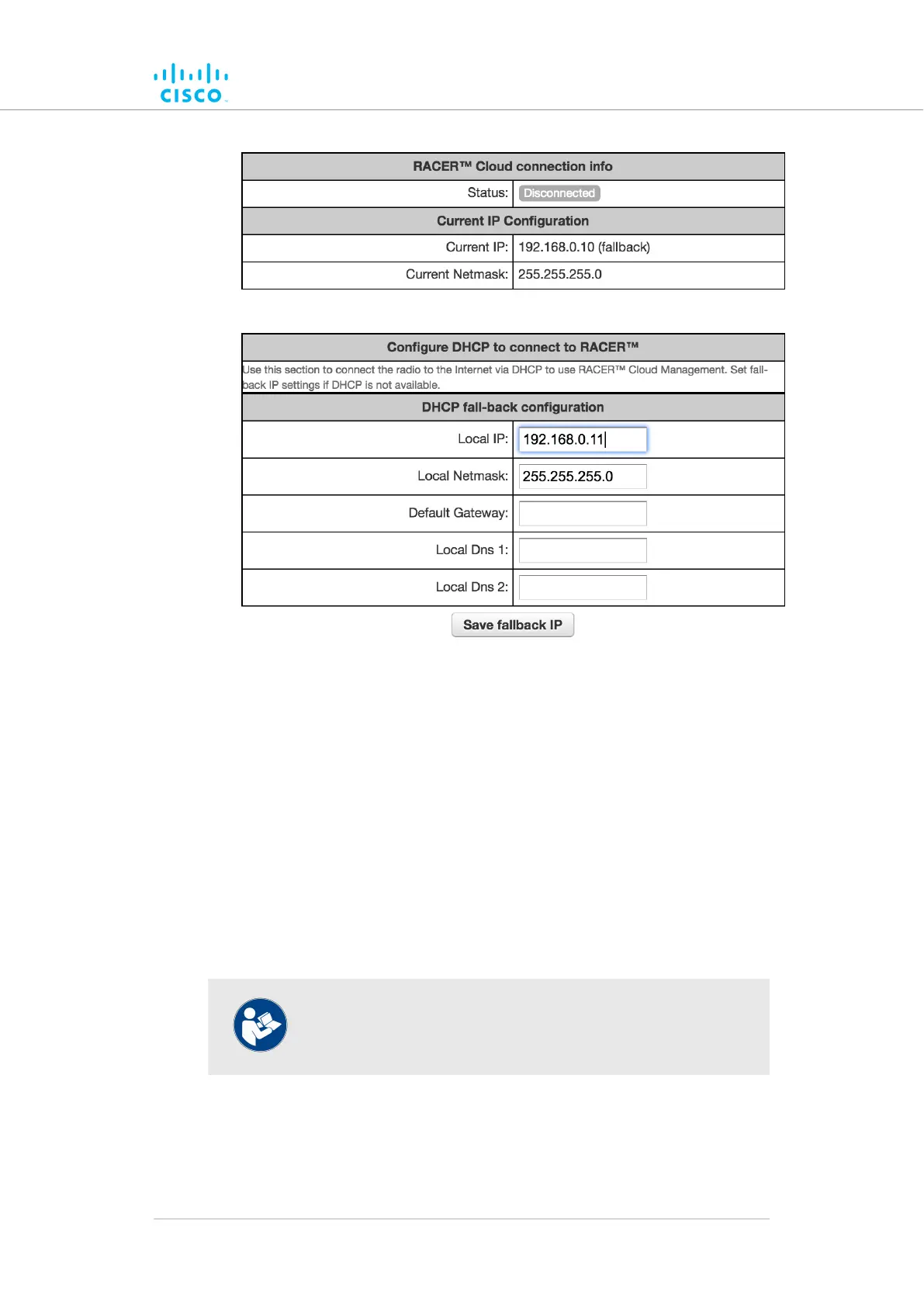
Figure 17. FM Racer dialog
• The
unit’s Local IP address will be set to 169.254.a.b, where a and
b are the last two parts of the unit's unique unit identification (ID)
number. For example, if the unit ID number is 5.12.34.56, the unit's
IP address will be set as 169.254.34.56.
• The unit can also be reached using the DHCP fallback IP address
(192.168.0.10/24).
• The unit’s Status and link/boot LEDs will blink continuously from left
to right (green-green-orange-red), then from right to left (red-
orange-green-green). The LEDs will repeat this cycle until the unit
either enters a Fallback condition, or enters Online or Offline
mode.
• The unit will attempt to connect to the internet using DHCP.
NOTE
DHCP is disabled when the unit leaves Provisioning Mode.
Make
sure that the Cisco FM4200 Fiber is connected to a local network
that supports DHCP. If the unit connects successfully to the internet and to
the Partners Portal, the RACER™ Cloud connection info Status will be
shown as Connected (Figure 18 (page 64)).
Device configuration using the configurator interface
© 2021 Cisco and/or its affiliates. All rights reserved. Page 63 of 189



 To Next Page