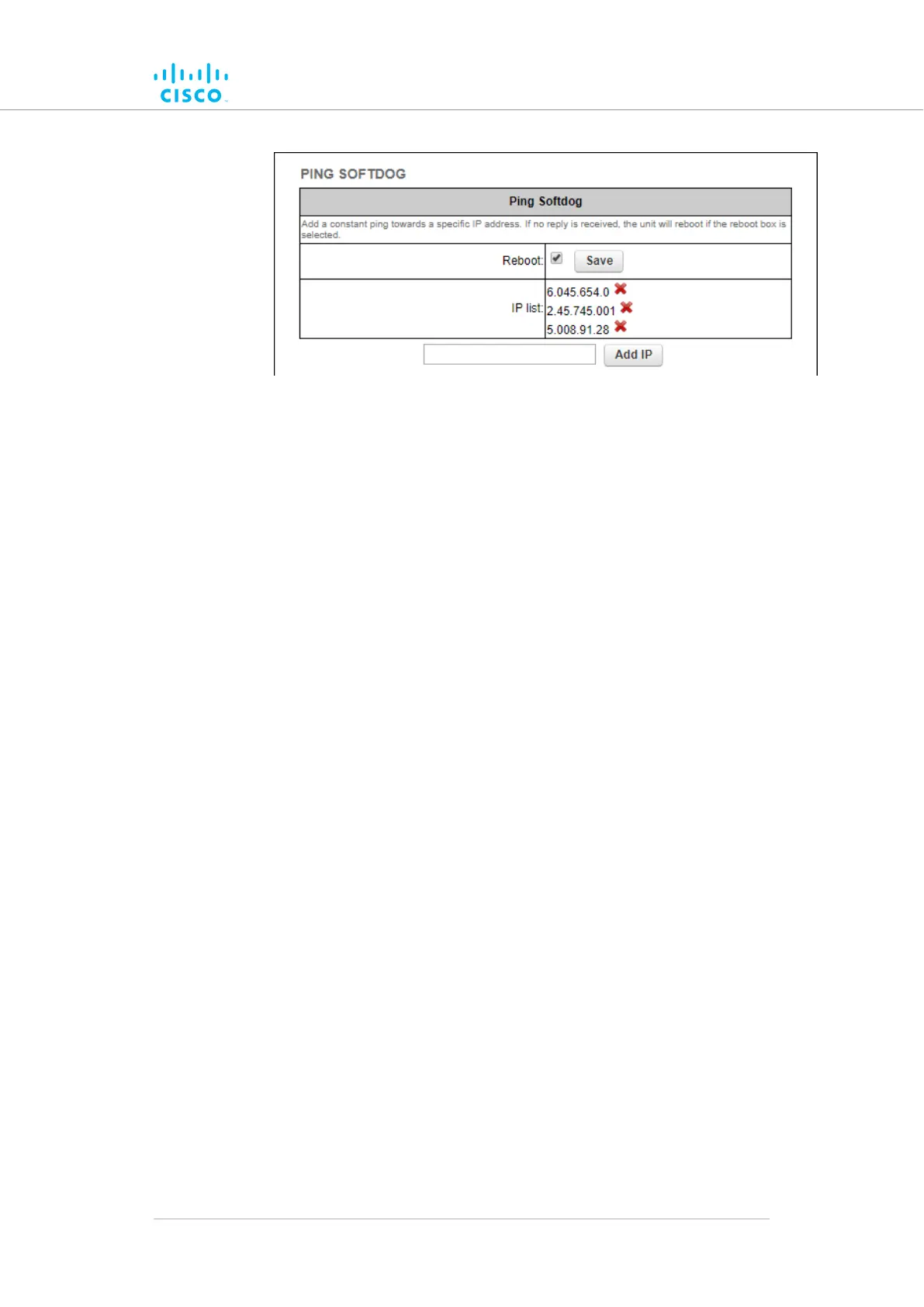
Figure 30. Configurator GUI (Ping Softdog dialog)
2. To set up a constant ping to one or more IP addresses, do the
following steps:
1. Enter the IP address in the field to the left of the Add IP
button.
2. Click the Add IP button.
• The IP Address will be added to the IP list.
• There is no limit on the number of IP addresses
that can be entered.
3. To delete an IP address from the IP list, click the red
cross to the right of the IP address listing.
3. To automatically reboot the unit if connectivity is lost between the
unit and any IP address, do the following steps:
1. Check the Reboot: check-box.
2. Click the Save button.
Device configuration using the configurator interface
© 2021 Cisco and/or its affiliates. All rights reserved. Page 84 of 189



 To Next Page