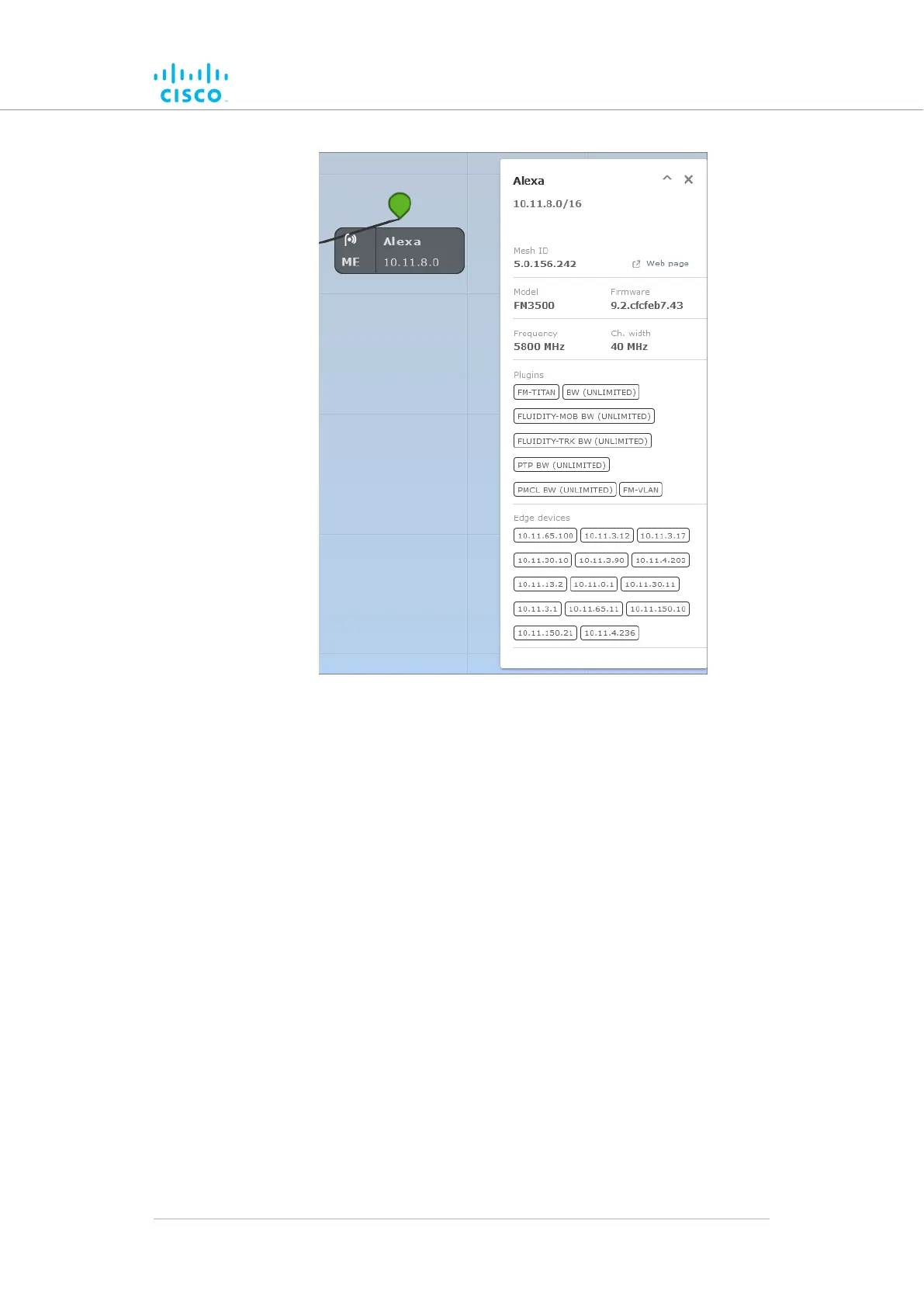
• When an information sidebar is shown for a stationary radio, the
sidebar shows the following information:
• The device name label.
• The device’s IP address and netmask (a typical example
might be 10.11.8.0/16).
• The device’s Mesh ID number.
• A Web page link. Clicking this link will open the device’s
offline Configurator interface in a new window.
• The device model name.
• The device’s current firmware version.
• The device’s operating frequency.
• The device’s operating channel width.
• A list of the software plug-ins currently installed on the
device.
• If the device is a stationary radio, a list of IP addresses
belonging to all non-Cisco edge devices currently connected
to the device will be shown.
Device configuration using the configurator interface
© 2021 Cisco and/or its affiliates. All rights reserved. Page 91 of 189



 To Next Page