•
For information on all modules, use the show module command.
•
For information on a specific supervisor, system controller, line card, or fabric module, use the show
module slot_number command to specify a slot number.
To determine the slots to specify, use the show inventory command.Note
This command reports on only software-controlled modules, such as supervisors, system controllers, line
cards, fabric modules, fan trays, and power supplies. It does not report on modules that are not controlled
by software, such as blank modules installed in empty slots to control airflow.
Note
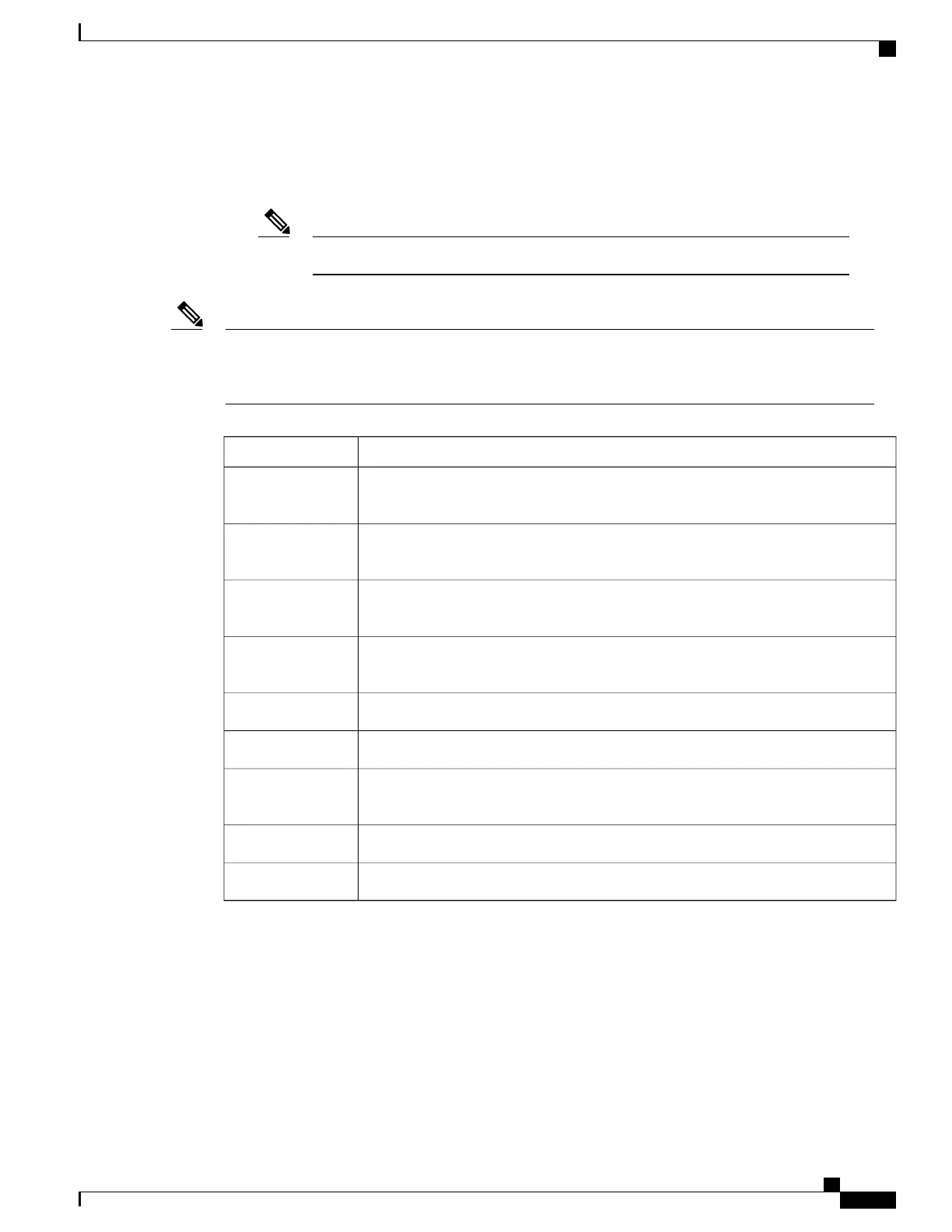
This table provides descriptions of the module status displayed by the show module commands.
DescriptionLine Card State
The hardware has electrical power. When the hardware is powered up, the software
begins booting.
powered up
The module has established connection with the supervisor and the module is
performing bootup diagnostics.
testing
The diagnostics have completed successfully and the configuration is being
downloaded.
initializing
The switch detects a module failure upon initialization and automatically attempts to
power-cycle the module three times. After the third attempt, the module powers down.
failure
The switch is ready to be configured.ok
The switch detects insufficient power for a line card to power up.power-denied
This module is the active supervisor or system controller module and the switch is
ready to be configured.
active
The HA switchover mechanism is enabled on the standby supervisor module.HA-standby
The switchover mechanism is enabled on the standby system controller module.standby
Use the show module [slot_number] command to display information about all of the installed modules or
for the module that you specify by its slot number.
This example shows how to display information about all the modules installed in a chassis.
switch# show module
Mod Ports Module-Type Model Status
--- ----- ----------------------------------- ------------------ ----------
4 36 36p 40G Ethernet Module N9k-X9636PQ ok
22 0 Fabric Module N9K-C9508-FM ok
24 0 Fabric Module N9K-C9508-FM powered-dn
26 0 Fabric Module N9K-C9508-FM powered-dn
Cisco Nexus 9508 NX-OS Mode Switch Hardware Installation Guide
55
Managing the Switch
Displaying the Current State of a Module







 To Next Page