Ho
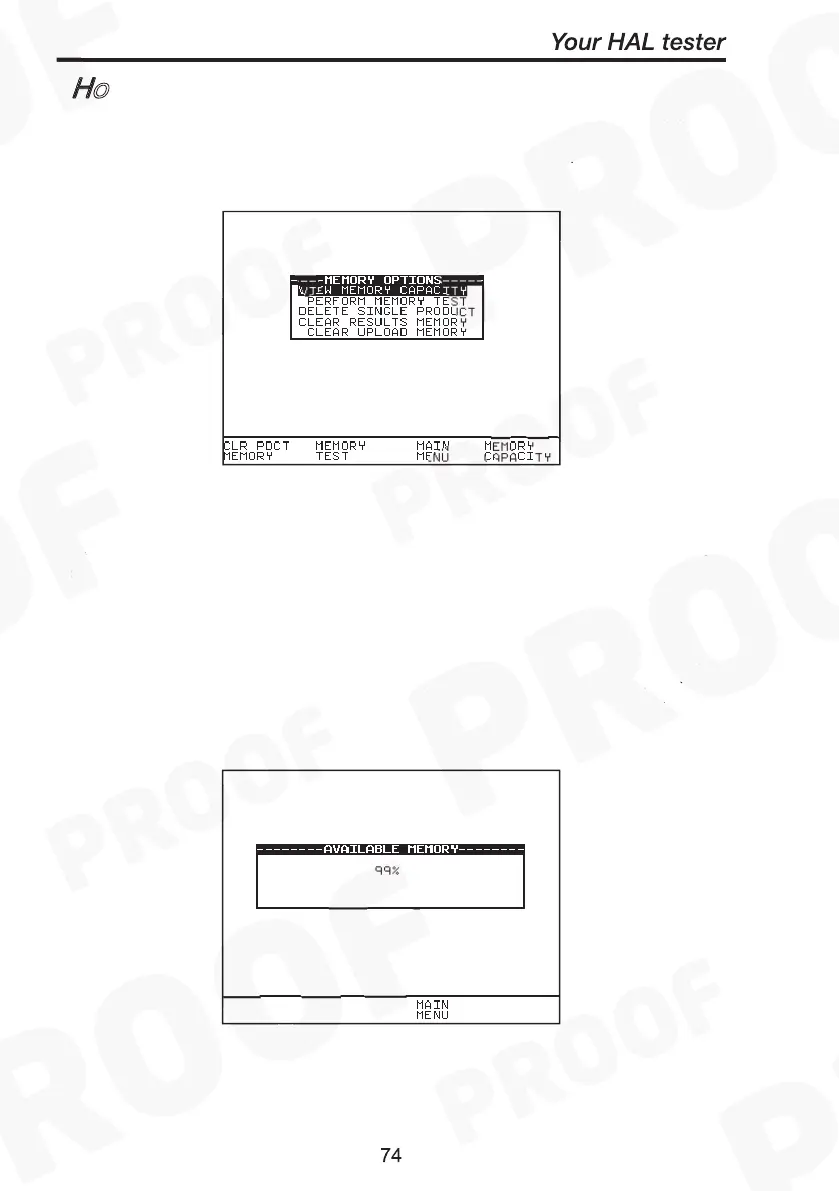
To use the memory tests and functions, use the encoder to highlight
the Memory Options option on the Main Menu and press Green to
display the following menu: -
Use the encoder to highlight a test or function and press Green to
select the desired option.
The Tester allows the user to see how much of the results memory is
being used. The following bar graph of the memory remaining is
displayed: -
How to use the Memory
View Memory Capacity
How to use the Memory
View Memory Capacity



 To Next Page