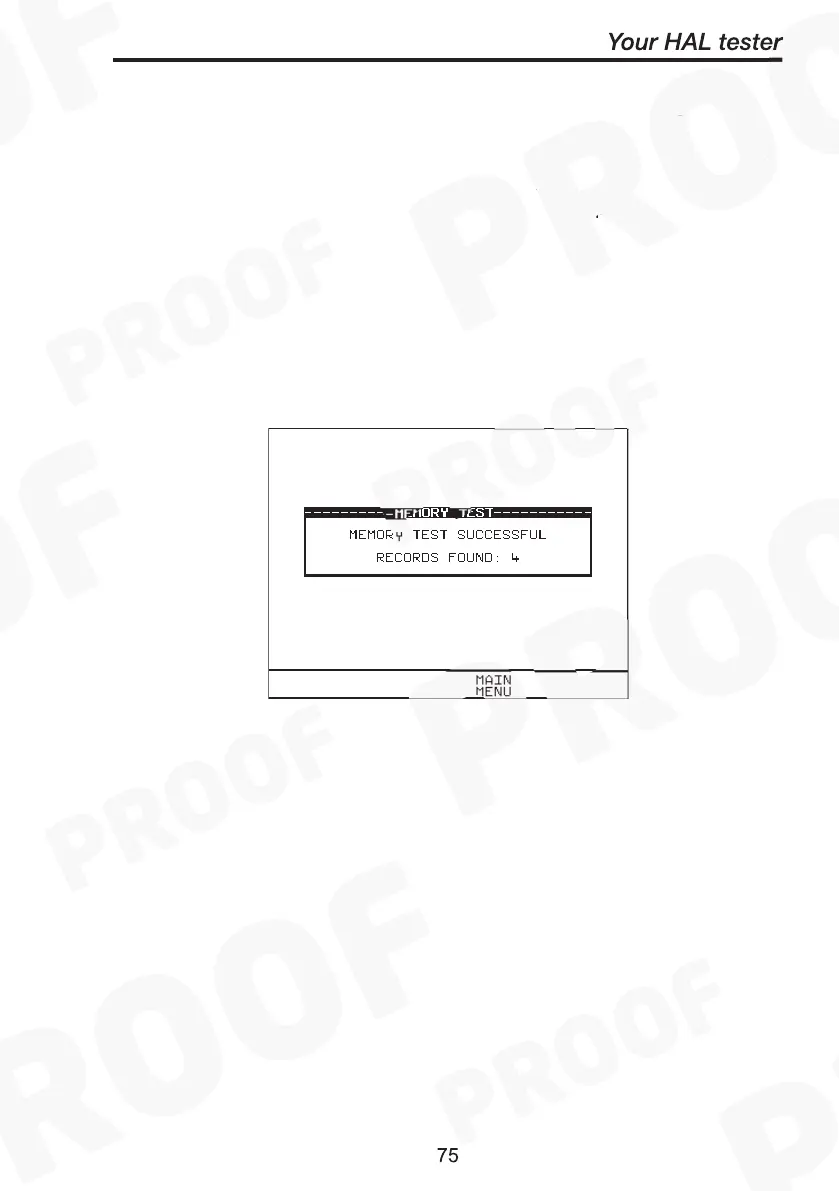
Once the, 'Perform memory test', option is highlighted press Green.
The memory test checks all of the Product results against their
checksums. If the test result is a pass then no action is taken. If any
tests fail then the Memory checksum requires updating. Use the
encoder and press Green to choose an action if corrupted tests are
found.
Note
The memory checksum is the sum of all of the memory
excluding display data, registers and deleted tests.



 To Next Page