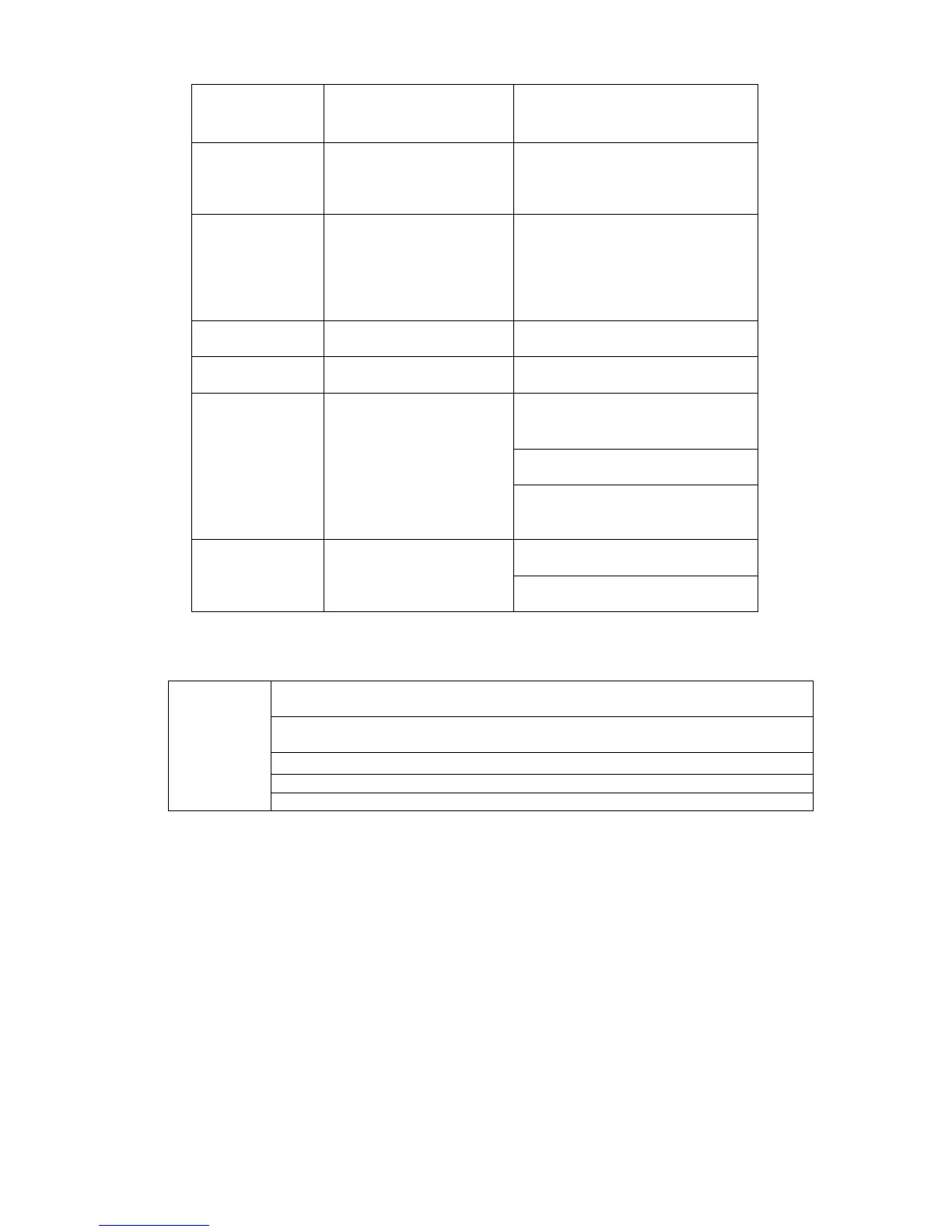
Go back to previous menu or
cancel current operation (close
upper interface or control)
Start or stop record manually
In record interface, working with
the direction buttons to select the
Switch current activated control,
go to left or right.
In playback mode, it is to control
the playback process bar.
Aux function(such as switch the
go to default button
go to the menu
Switch between multiple-window
and one-window.
In 1-ch monitor mode: pop up
assistant function:PTZ control
and Video color.
Switch the PTZ control menu in
PTZ control interface.
In motion detection interface,
working with direction keys to
Input password, channel or
switch channel.
Shift is the button to switch the
input method.
System pops up password input dialogue box if you have not logged in.
In real-time monitor mode, you can go to the main menu.
When you have selected one menu item, left click mouse to view menu
content.
Implement the control operation.
Modify checkbox or motion detection status.
Click combo box to pop up drop down list


 To Next Page