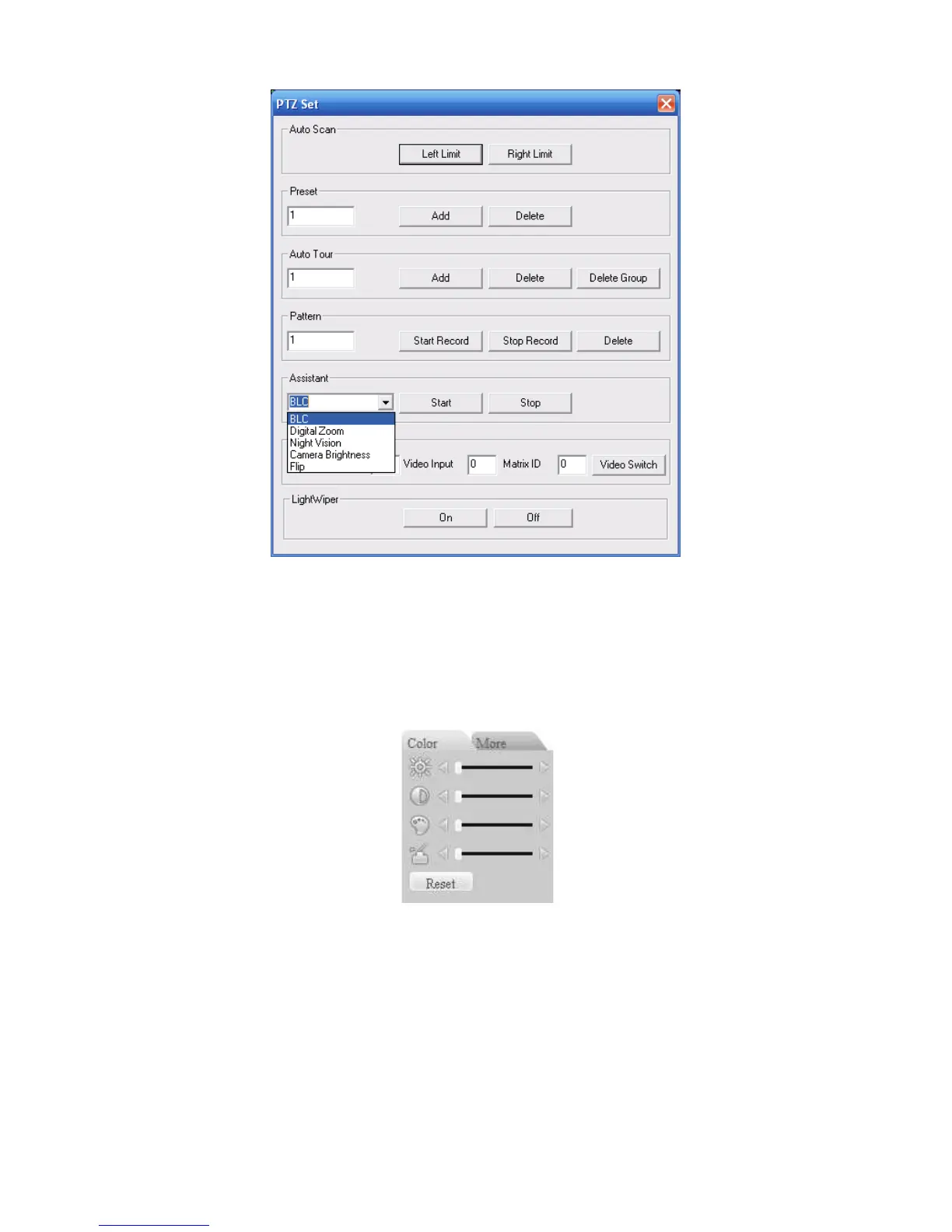
7.3.3 Color
Figure 7-13
Click color button in section 3, the interface is shown as
X444H444H44
4HFigure 7-14X.
Here you can select one channel and then adjust its brightness, contrast, hue and saturation.
(Current channel border becomes green).
Or you can click default button to use system default setup.
Figure
7-14
7.3.4 Picture Path and Record Path
Click more button in X445H445H445 HFigure 7-14X , you can see an interface is shown as in
X446H446H446 H
Figure 7-15X.


 To Next Page