7
.
4
W AN
L
og
i
n
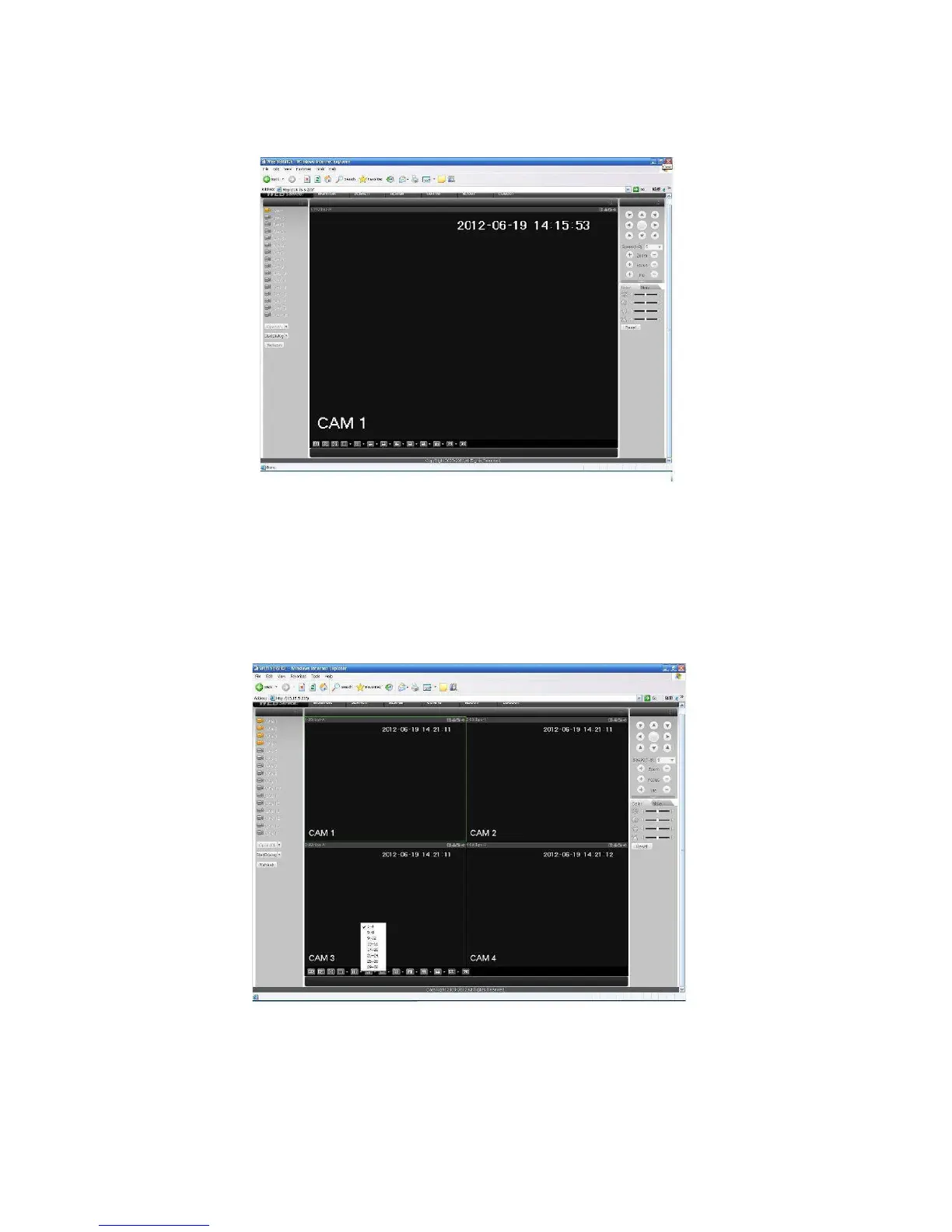
In WAN mode, after you logged in, the interface is shown as below. See Figure 7-19.
Figure
7-19
Please refer to the following contents for LAN and WAN login difference.
1) In the WAN mode, system opens the main stream of the first channel to monitor by default.
The open/close button on the left pane is null.
2) You can select different channel and different monitor mode at the bottom of the interface. See
Figure 7-20.
Figure
7-20
Important
The window display mode and the channel number are by default. For example, for the 16-
channel, the max window split mode is 16.


 To Next Page