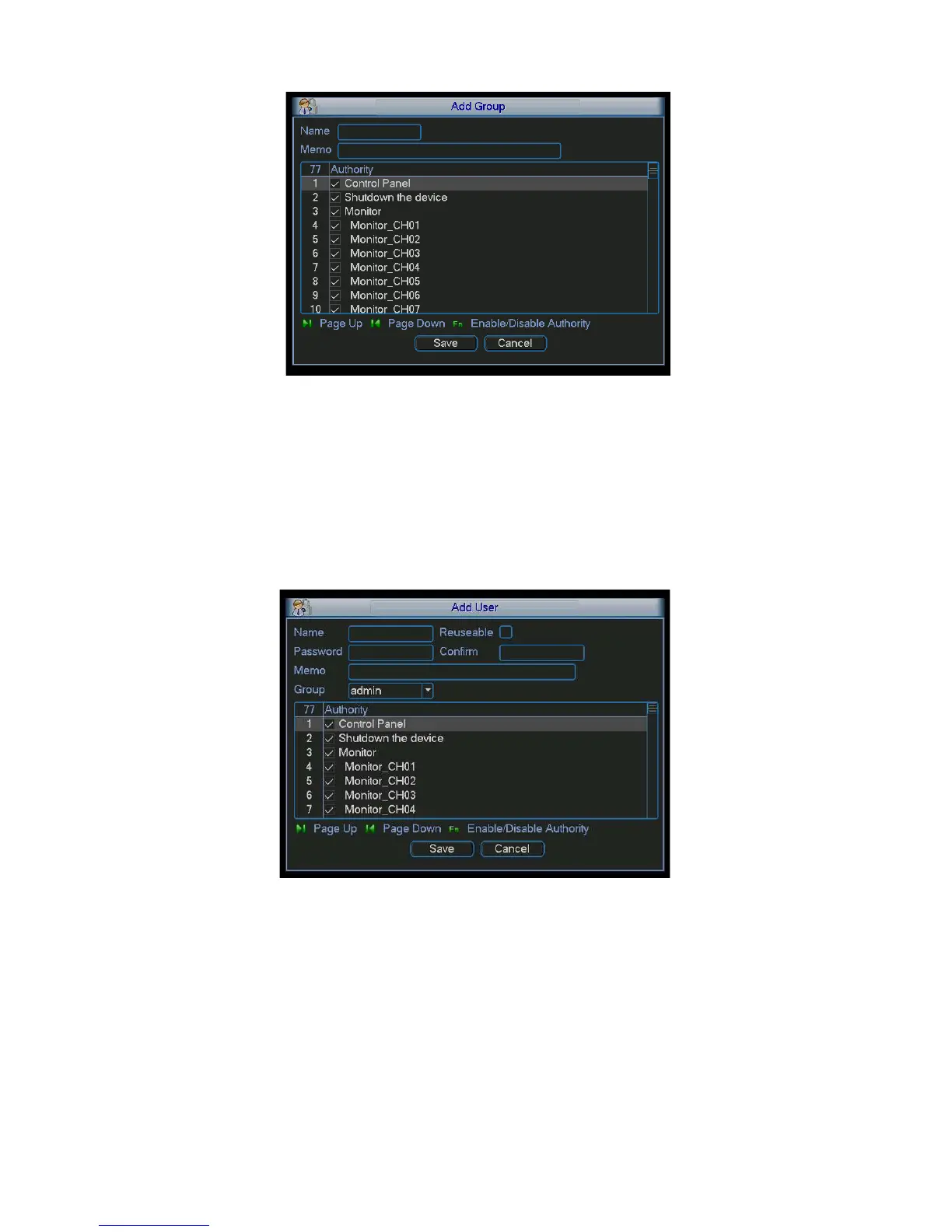
Figure
5-38
5.5.4.3 Add/Modify User
Click add user button, the interface is shown as in Figure 5-39.
Please input the user name, password, select the group it belongs to from the dropdown list.
Then you can check the corresponding rights for current user.
For convenient user management, usually we recommend the general user right is lower than
the admin account.
The modify user interface is similar to Figure 5-39.
Figure
5-39
5.5.5 Auto Maintain
Here you can set auto-reboot time and auto-delete old files setup. You can set to delete the files
for the specified days. See Figure 5-40.
You can select proper setup from dropdown list.
After all the setups please click save button, system goes back to the previous menu.


 To Next Page