You can click it to open all channels.
Refresh
You can use button to refresh camera list.
Start Dialogue
You can click this button to enable audio talk. Click 【▼】 to select bidirectional talk mode.
There are two options: DEFAULT/G711a.
Please note, the audio input port from the device to the client-end is using the first channel audio
input port. During the bidirectional talk process, system will not encode the audio data from the 1-
channel.
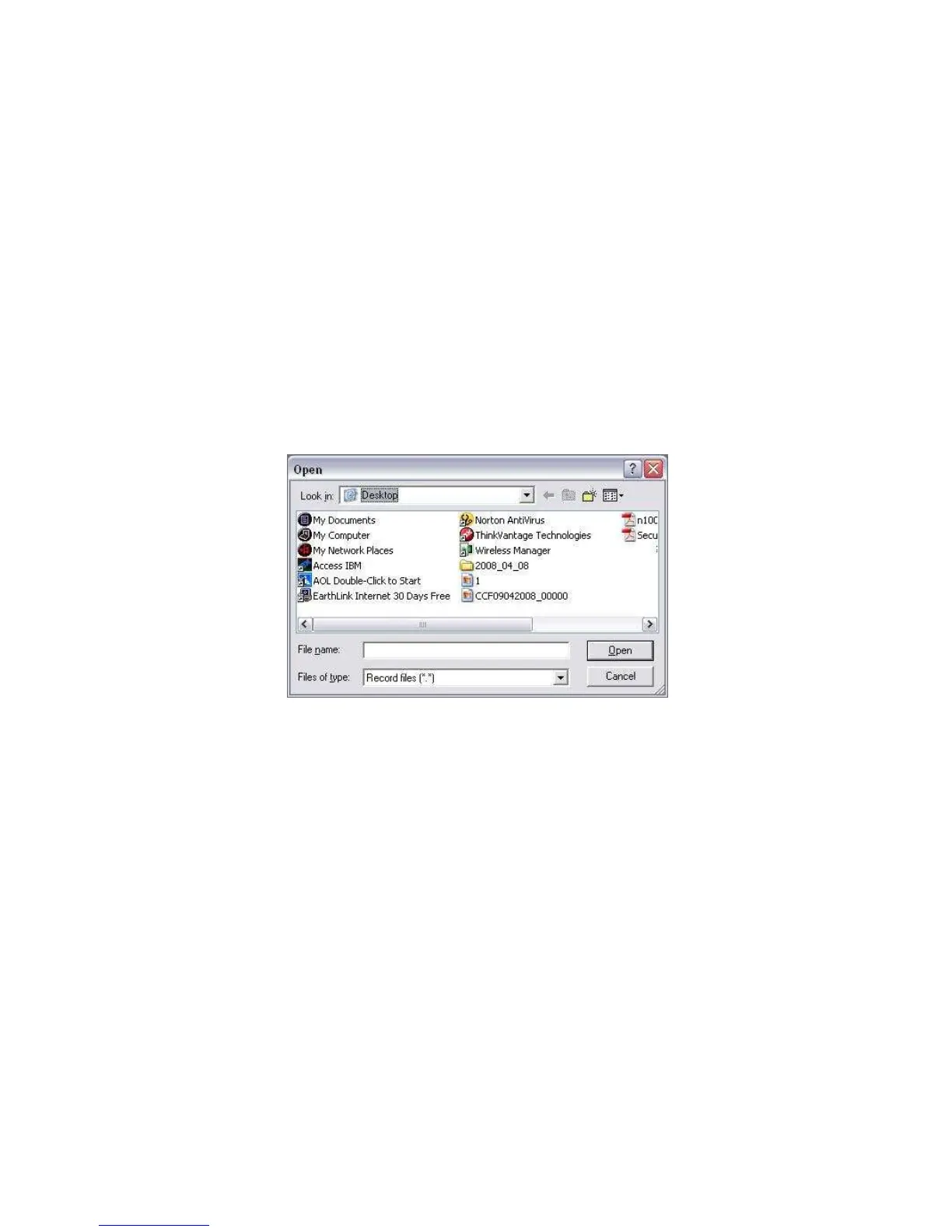
Local Play
The Web can playback the saved (Extension name is dav) files in the PC-end.
Click local play button, system pops up the following interface for you to select local play file. See
X436H436 H43
6HFigure 7-10.X
Figure
7-10
7.3.2 PTZ
Before PTZ operation, please make sure you have properly set PTZ protocol. (Please refer to
chapter 7.3.2 Setting-> Pan/Tilt/Zoom).
Click PTZ button, the interface is shown as in
X437H437H437HFigure 7-11X.


 To Next Page