•
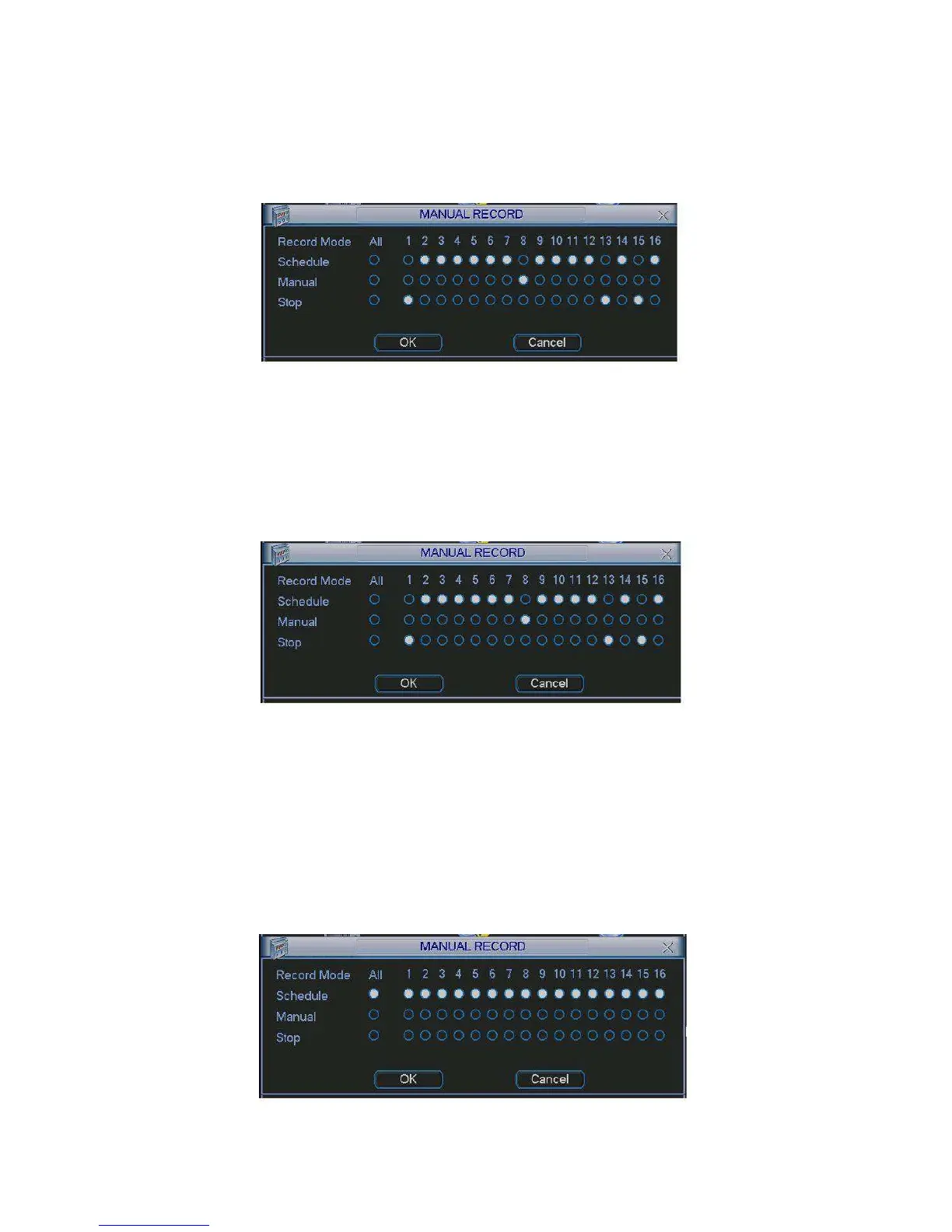
Manual: The highest priority. After manual setup, all selected channels will begin ordinary
recording.
•
Schedule: Channel records as you have set in recording setup (Main Menu->Setting-
>Schedule)
•
Stop: All channels stop recording.
4.2.2.3 Enable/disable record
Figure 4-6
Please check current channel status: “○” means it is not in recording status, “●” means it is in
recording status.
You can use mouse or direction key to highlight channel number. See Figure 4-7.
4.2.2.4 Enable all channel recording
Figure 4-7
Highlight ○ below All, you can enable all channel recording.
•
All channel schedule record
Please highlight “ALL” after “Schedule”. See Figure 4-8.
When system is in schedule recording, all channels will record as you have previously set
(Main menu->Setting->Schedule).
The corresponding indication light in front panel will turn on.
Figure
4-8


 To Next Page