INSTALLATION AND SETUP
UNPACK THE TERMINAL
Preserving the original packing materials is advised. DayMark and other service entities
are not responsible for damaged return items that are not packaged in original shipping
material.
SET UP THE TERMINAL
The terminal requires a flat open area with access to a standard electrical outlet. Please
ensure that there is space in front of the terminal as the touch screen rotates upward. This
allows access to replace DayMark and DayMark approved labels as well as servicing
printer mechanisms.
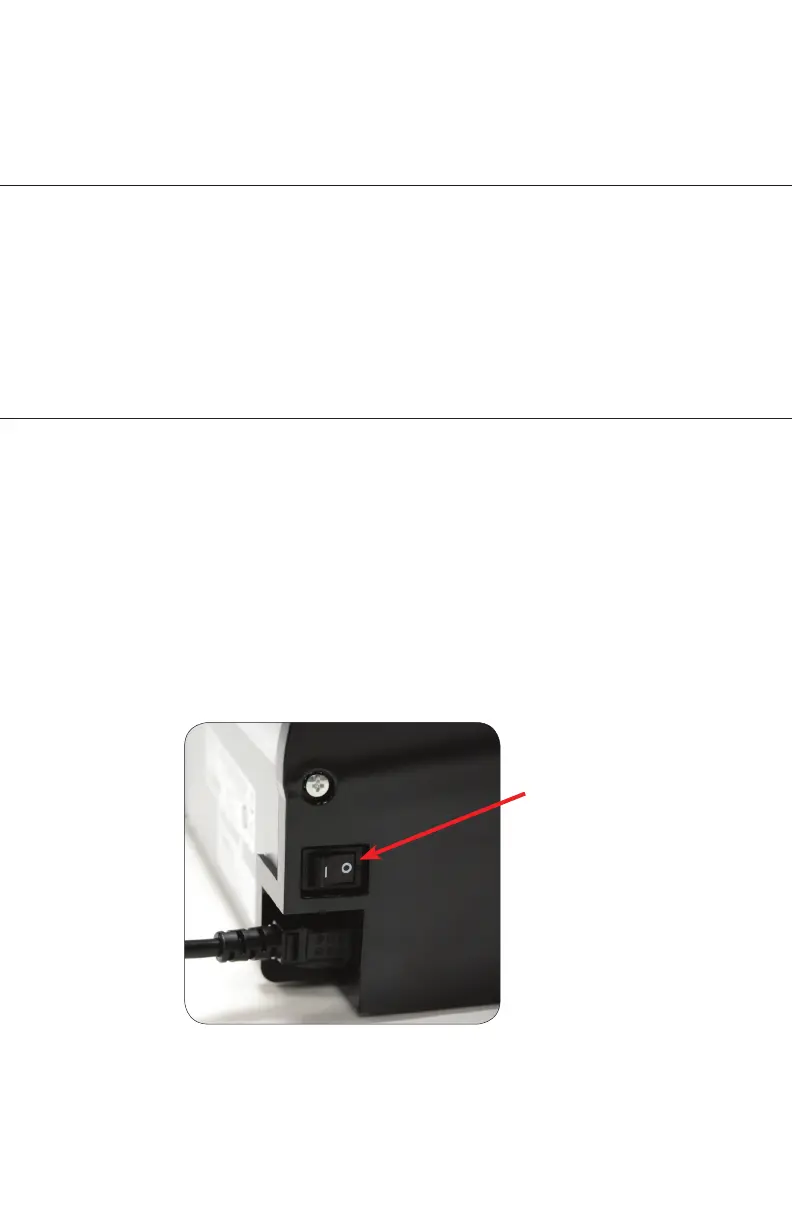
Plug the power cord of the terminal into an appropriate electrical outlet (100 VAC - 240
VAC, 50-60 Hz). Then toggle the power switch located at the rear of the left side of the
terminal, as shown in the figure.
Power Switch
1. INTRODUCING YOUR DAYMARK 9700
1. INTRODUCING YOUR DAYMARK 9700
2.



 To Next Page