1. INTRODUCING YOUR DAYMARK 9700
5.
1. INTRODUCING YOUR DAYMARK 9700
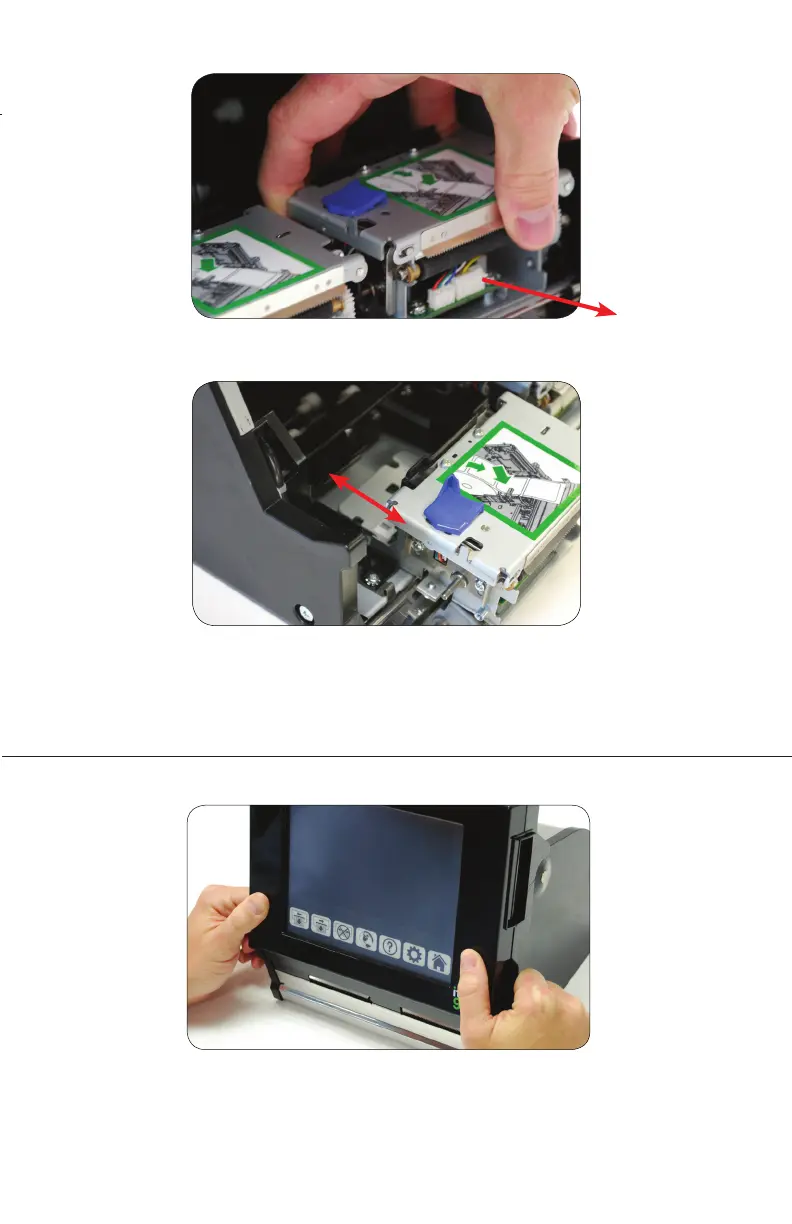
4. Slide the printer mechanism carefully out of the terminal.
5. Replacement printer mechanism plugs directly into the unit.
LOADING LABELS INTO TERMINAL
1. Grasp the sides of the display, then pull and lift upward.



 To Next Page