114
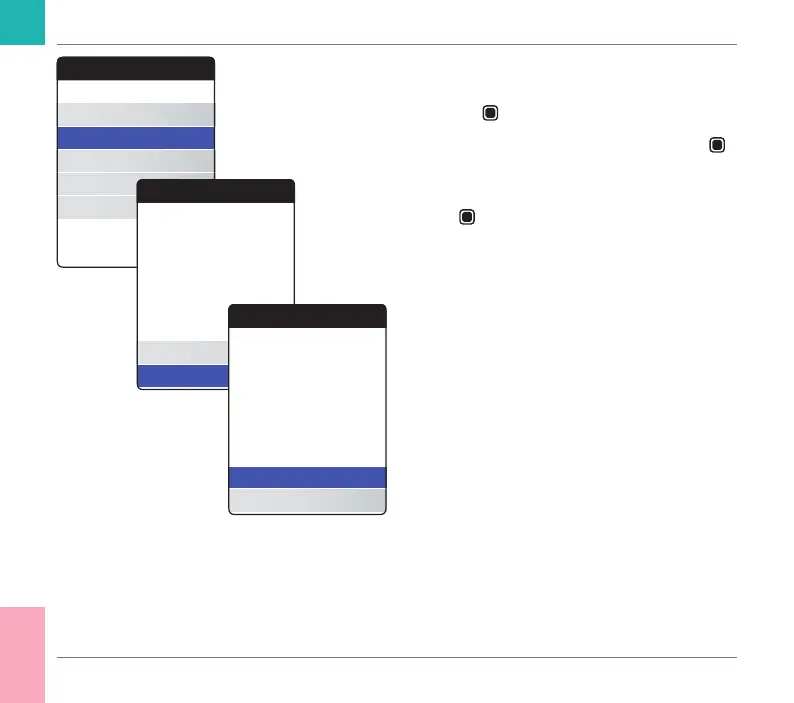
For clearing the memory:
1 Select Clear Memory and press the Enter
button
to proceed.
2 Select YES and press the Enter button
to proceed.
3 Select YES again and press the Enter but-
ton
to clear all data from memory.
Other
About
Clear Memory
Meter Log
Display Test
Firmware Update
Clear Memory
Yes
No
Delete all Results and
Settings?
Clear Memory
Clear Memory
Yes
No
Delete all Results and
Settings?
Are you sure?
Other Functions and Troubleshooting
CoaguChek INRange User’s Manual



 To Next Page