131
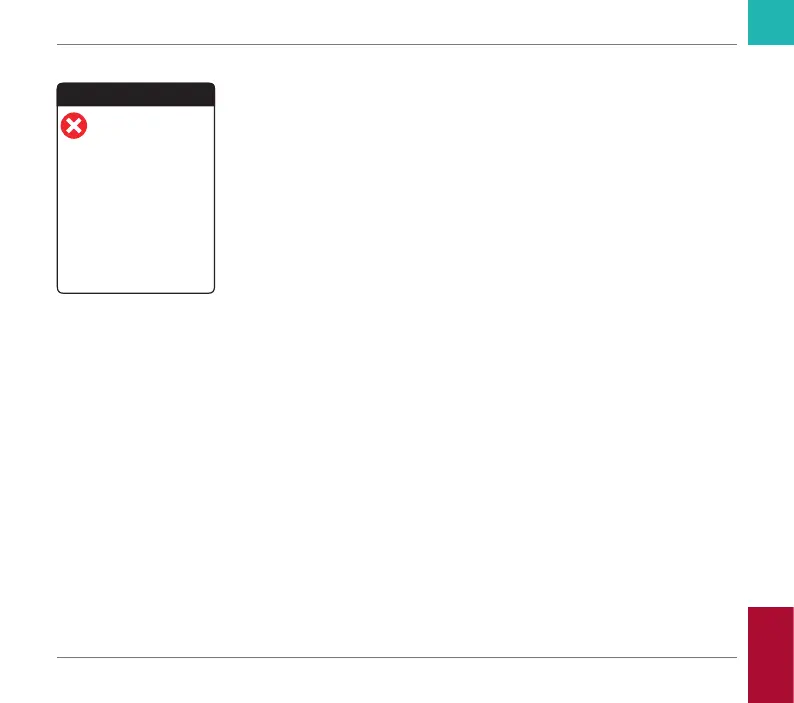
Error messages
An error message appears if the meter has
a problem that needs your attention and you
might not be able to solve. The meter stops
working.
1 Read the error message.
2 Take the action suggested in the message.
If the error persists, please contact your local
Roche Diagnostics customer support (see
page 138).
Error
Hardware or electronic error.
Power meter off and on. If
error persists, contact Roche
Diagnostics.
Meter Error [E-63]
11 Jun 2018 19:10
Symbols, Icons, Messages
CoaguChek INRange User’s Manual



 To Next Page