85
Meter settings
The initial meter setup was completed after
you powered on the meter for the rst time.
Use the following descriptions to set options
that are not covered by the initial setup (e.g.,
the target range) or to edit settings already
made.
Always perform the following two steps
before selecting one of the options in the
Settings menu:
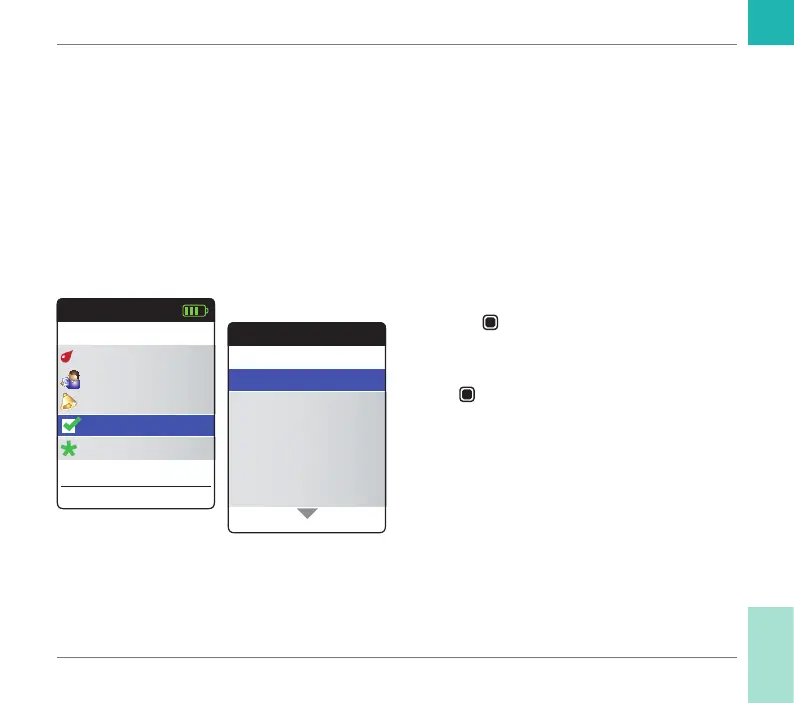
1 Power the meter on by pressing the Enter
button
. Wait until the Main Menu is
displayed.
2 Select Settings and press the Enter but-
ton
to open the corresponding menu.
Main Menu
Test
17:03
Settings
Reminders
My Results
17 Sep 2018
Other
Settings
Beeper Volume
Set Targets
Result Format
Language
Units
Time & Date
Reminders and Meter Settings
CoaguChek INRange User’s Manual



 To Next Page