117
Firmware Update
Performing a rmware update requires an
update le (provided by Roche Diagnostics)
to be available on your computer. You may
have downloaded this le from the Roche
Diagnostics website.
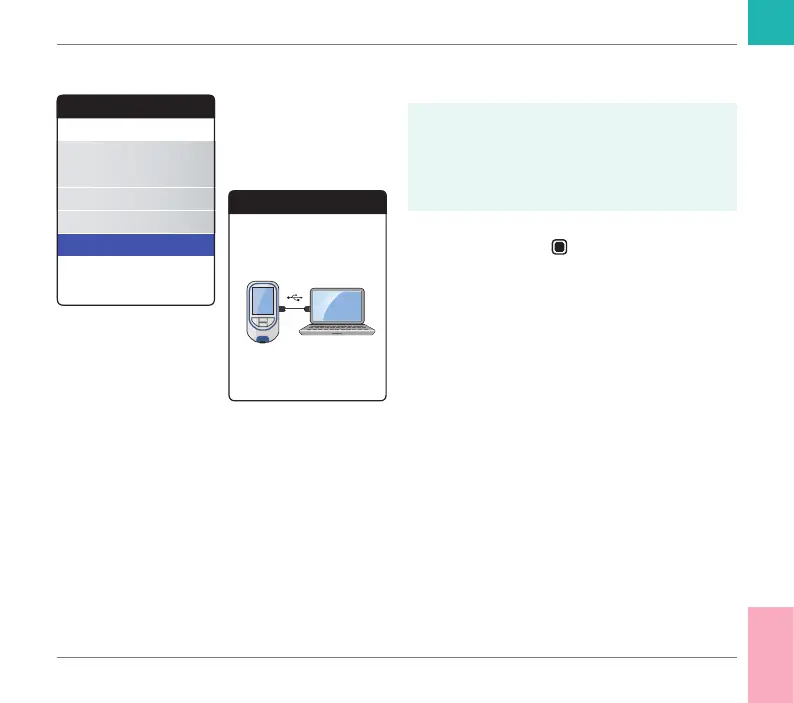
1 Select Firmware Update and press
the Enter button
to start the update
process.
2 Connect the meter to the computer via
USB cable.
The meter will now be mounted on the com-
puter as an external drive (like an USB stick).
Other
About
Clear Memory
Meter Log
Display Test
Firmware Update
Firmware Update
Connect USB to
Meter & PC
Other Functions and Troubleshooting
CoaguChek INRange User’s Manual



 To Next Page