118
3 On the computer, open a window showing
the content of this drive (CoaguChek).
4 Copy (or save) the required update le to
this drive.
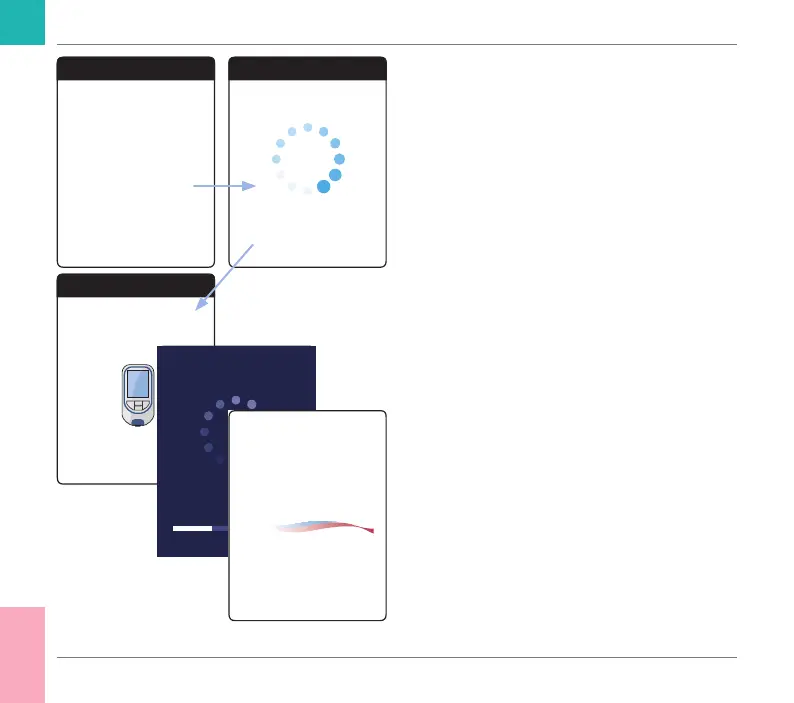
The meter automatically recognizes the pres-
ence of an update le and starts performing
the rmware update. Several screens inform
you about the progress during installation.
When the update has been completed suc-
cessfully, the CoaguChek logo is displayed.
Unplug the USB cable from the meter and the
computer.
Firmware Update
Text
For Firmware Update copy le
to CoaguChek-Drive
Firmware Update
Loading update
Firmware Update
Preparing Update,
do not interrupt!
CoaguChek
®
Other Functions and Troubleshooting
CoaguChek INRange User’s Manual



 To Next Page