64
Transferring data
The CoaguChek INRange meter can com-
municate with a computer and/or other
devices either via USB or a wireless Bluetooth
connection. You can use this feature for the
following purposes:
• further evaluation of stored test results in
suitable computer applications
• data archiving
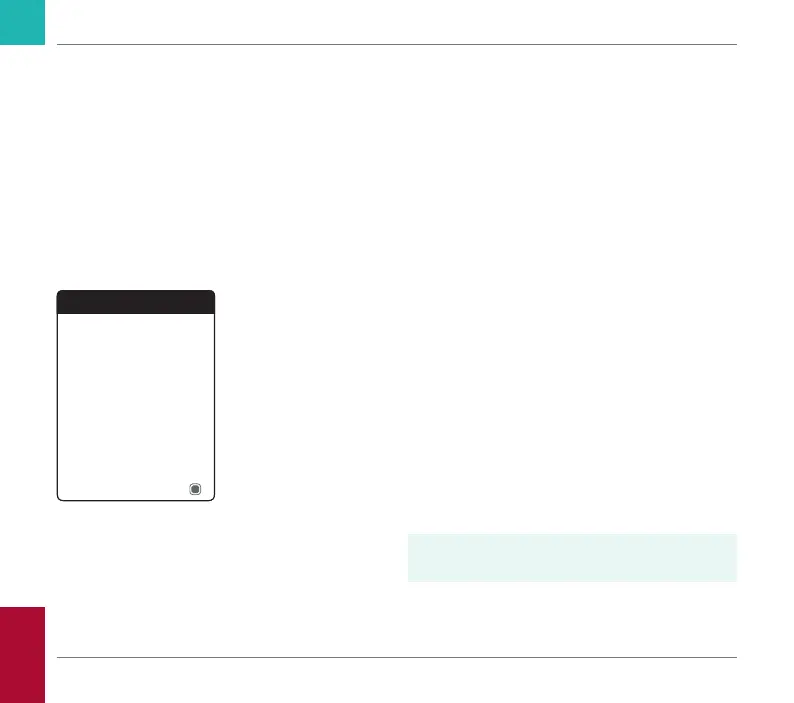
The preferred method (USB/Bluetooth) used
for data transfer has to be selected in the
meter settings before transferring data for
the rst time. Otherwise, a corresponding
message will be displayed.
Both methods will be described separately
on the following pages. If you are using a
Bluetooth connection, pairing has to be
completed during setup before you can
perform a data transfer (see “Data Transfer”
on page 99).
It is not possible to perform a test while a
USB cable is plugged in.
Transfer Data
Neither USB nor Bluetooth
selected. Check Settings.
Cancel
Reviewing and Handling Data
CoaguChek INRange User’s Manual



 To Next Page